Football on Pan Player: featured matches and match-day tips
See featured matches on the home screen, open the app straight to Football, merge FHD/HD/SD streams and keep an eye on speed and the clock.
Read articleStep-by-step help to install, set up and get the most out of Pan Player on every device.
See featured matches on the home screen, open the app straight to Football, merge FHD/HD/SD streams and keep an eye on speed and the clock.
Read article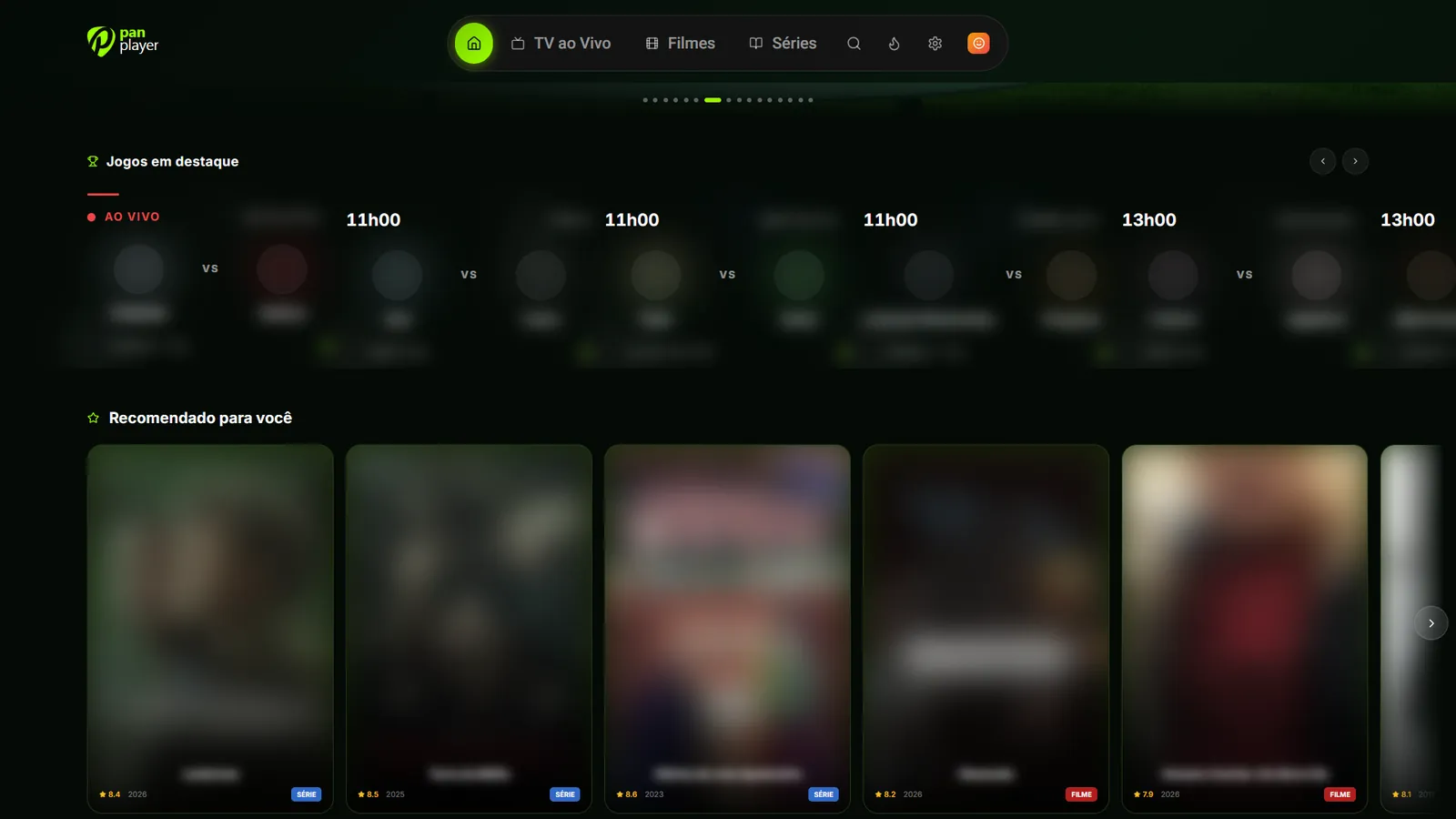
Up to 5 profiles plus Kids, a PIN per profile and synced history: start on the TV, carry on on your phone and pick up a series where you left off.
4 min read
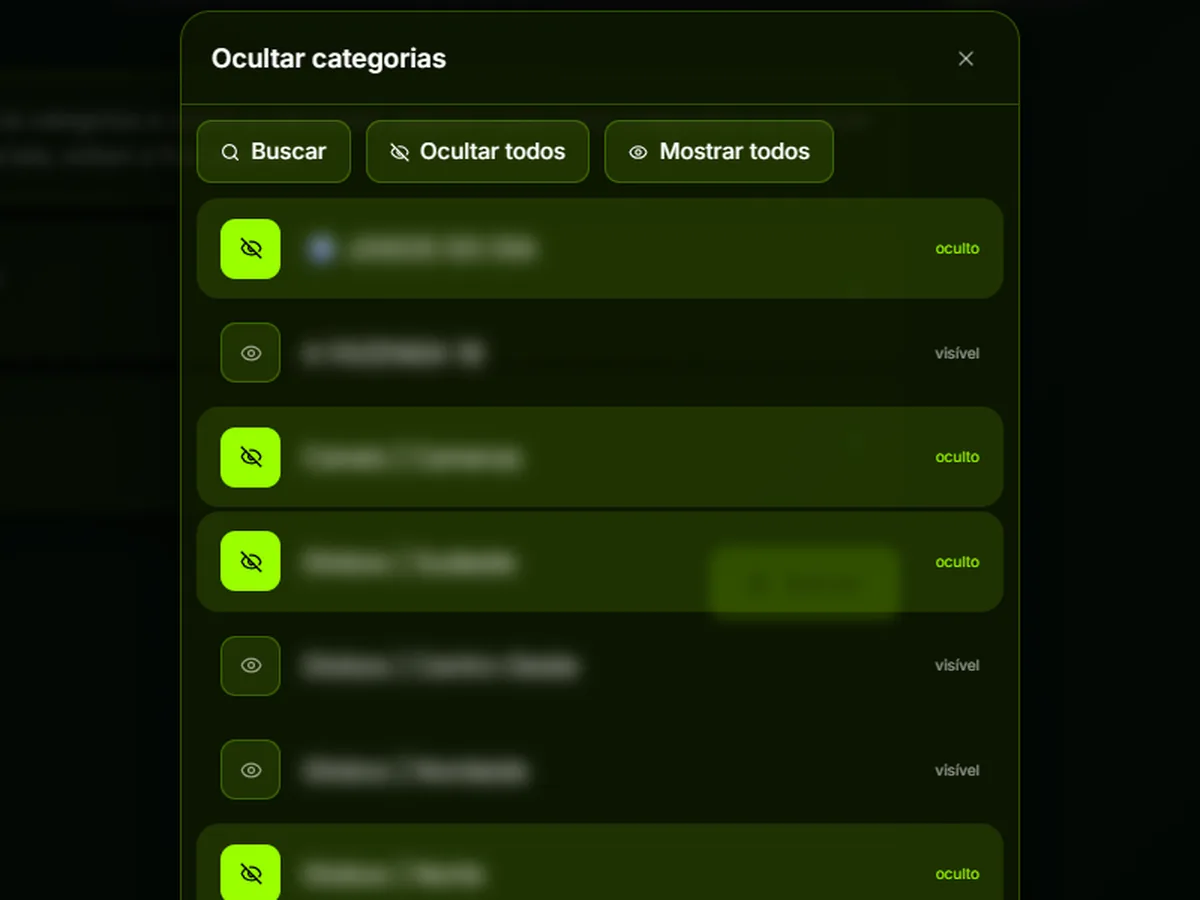
Hide the categories and channels you never use, protect them with a password and reveal them when needed by holding the 0 key on your remote.
4 min read
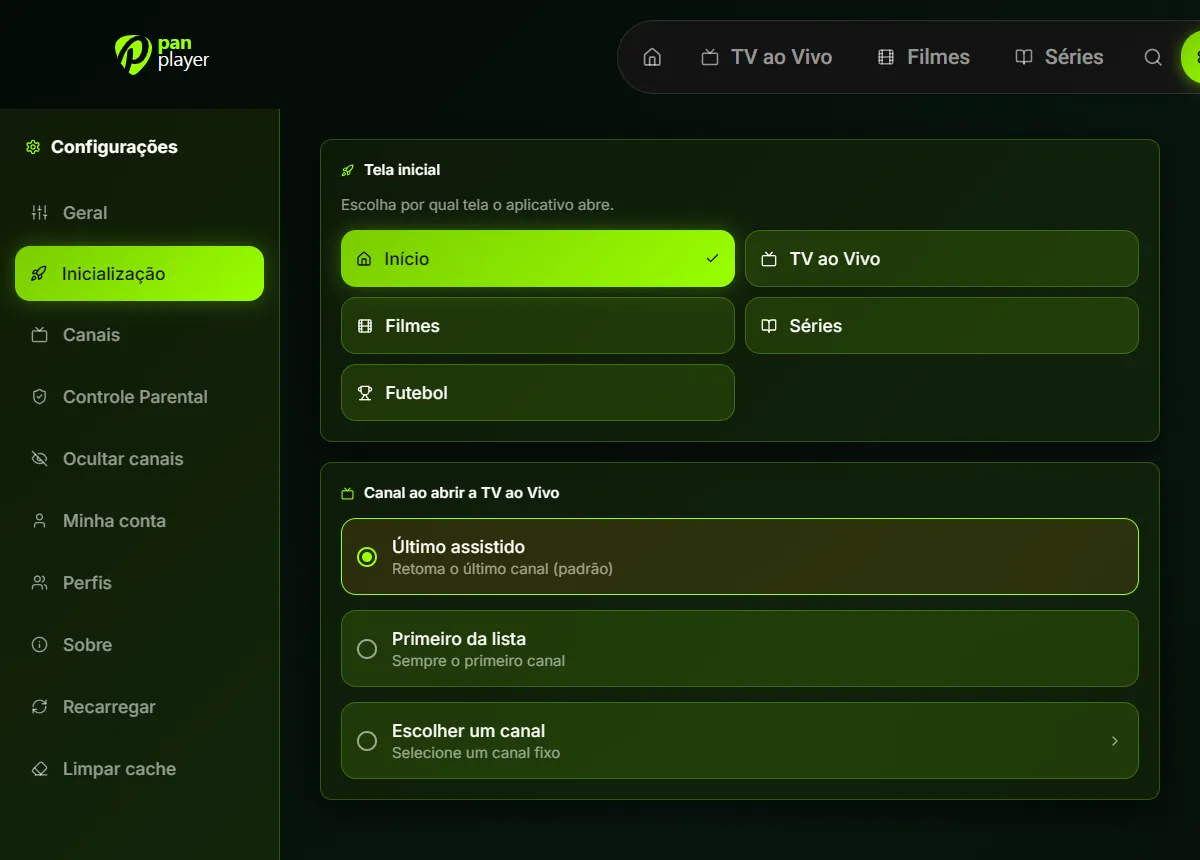
Choose which screen Pan Player opens on (Home, Live TV, Movies, Series or Football) and which channel Live TV plays first.
5 min read
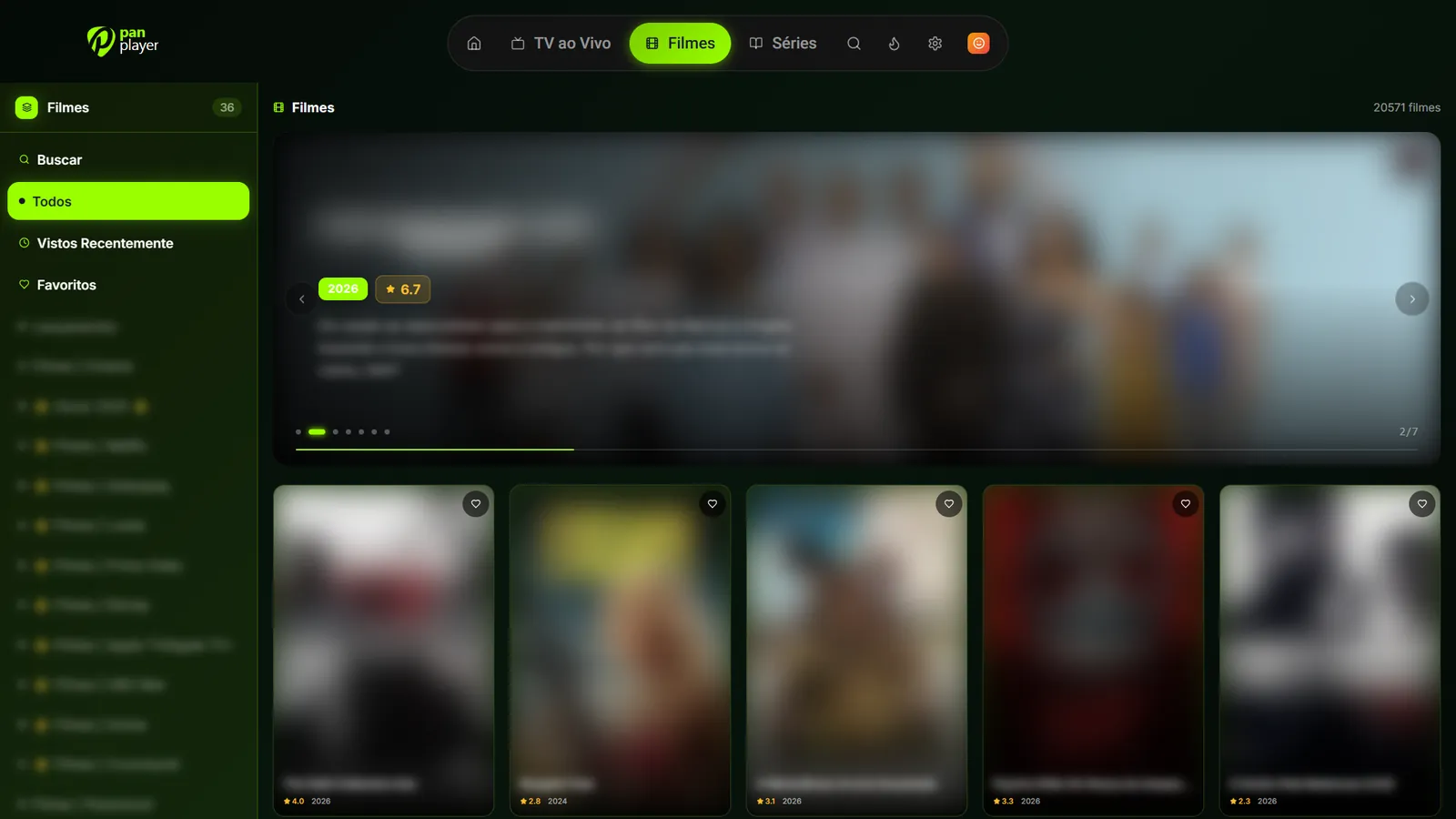
Where to get Pan Player on Fire TV, Android TV, Google TV, Windows, Android and iPhone, and how to pick up where you left off on any device.
4 min read
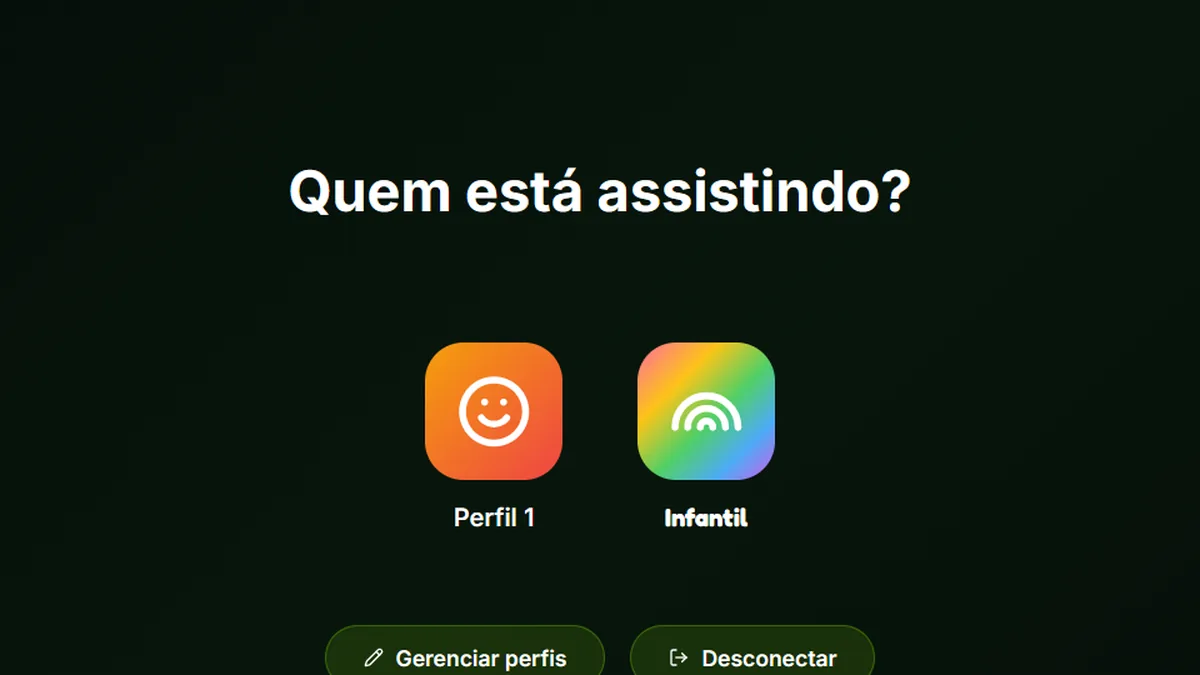
Add your list on the panel and sign in to Pan Player on your TV with just your username and password, without typing a server URL with the remote.
5 min read
Step-by-step guide to installing Pan Player on LG (webOS), Samsung (Tizen) and Roku, then signing in with just your username and password instead of a server URL.
4 min read
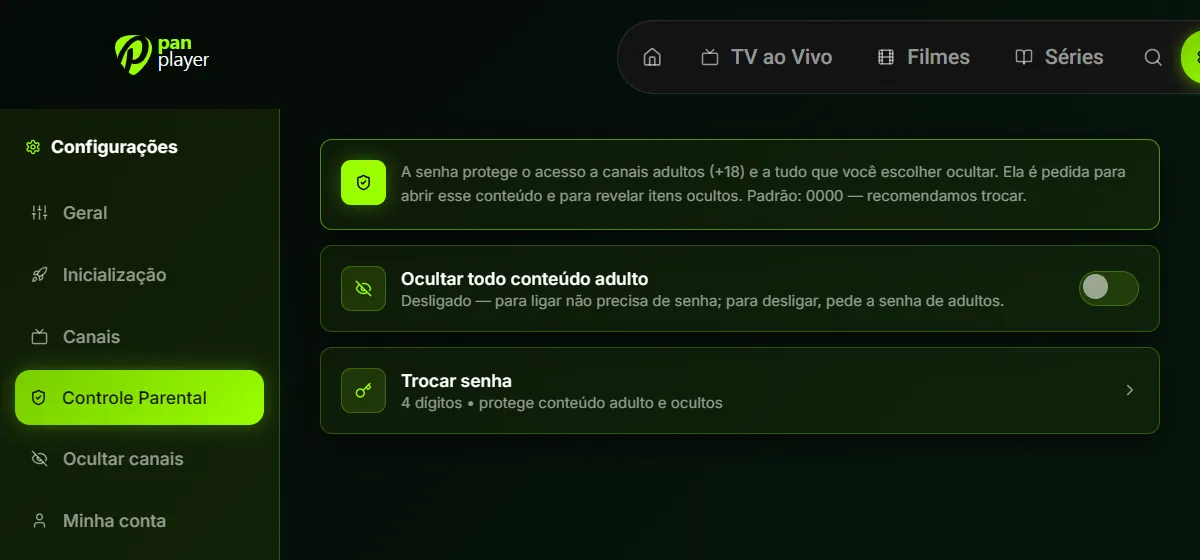
Change the default 0000 password, hide adult content, categories and channels, and set up the Kids profile and per-profile PINs in Pan Player.
5 min read
Create your account in a minute, add your list and sign in on the TV with your username and password. No card to get started.