Pan Player is now available on the Roku Channel Store
Pan Player has arrived on Roku: install it from the Roku Channel Store, sign in with just a username and password, and use profiles, live TV, the kids area and Continue watching with your remote.
Pan Player is now on the Roku Channel Store. If you have a Roku, whether a streaming player, a stick or a TV with Roku built in, you can install the app straight from the official store and use the same account you use on your other devices.
First, a reminder: Pan Player is a player. It does not sell, provide or host channels, movies, series or lists; all content comes from your list. You use your own Xtream Codes list, one that is yours or that you are allowed to use.
How to install it on Roku
On Roku, apps are called channels and live in the Roku Channel Store.
- Press the Home button on your Roku remote.
- Open the Roku Channel Store (“Streaming Channels” on some models).
- Use search and type Pan Player.
- Select the app and choose Add channel.
- Once it shows up on the Roku home screen, open Pan Player.
If search can’t find the app, check that your Roku is online and up to date (Settings → System → System update) and try again.
Signing in
Nobody should have to type a server address with a remote. In Pan Player you sign in with just a username and password:
- User account: use the email and password of your panel account.
- Reseller customer: use the username and password your reseller gave you.
Your list loads by itself. If you don’t have an account yet, create one and add your list in the panel. The step-by-step is in how to set up your Xtream Codes list.
What you get on Roku
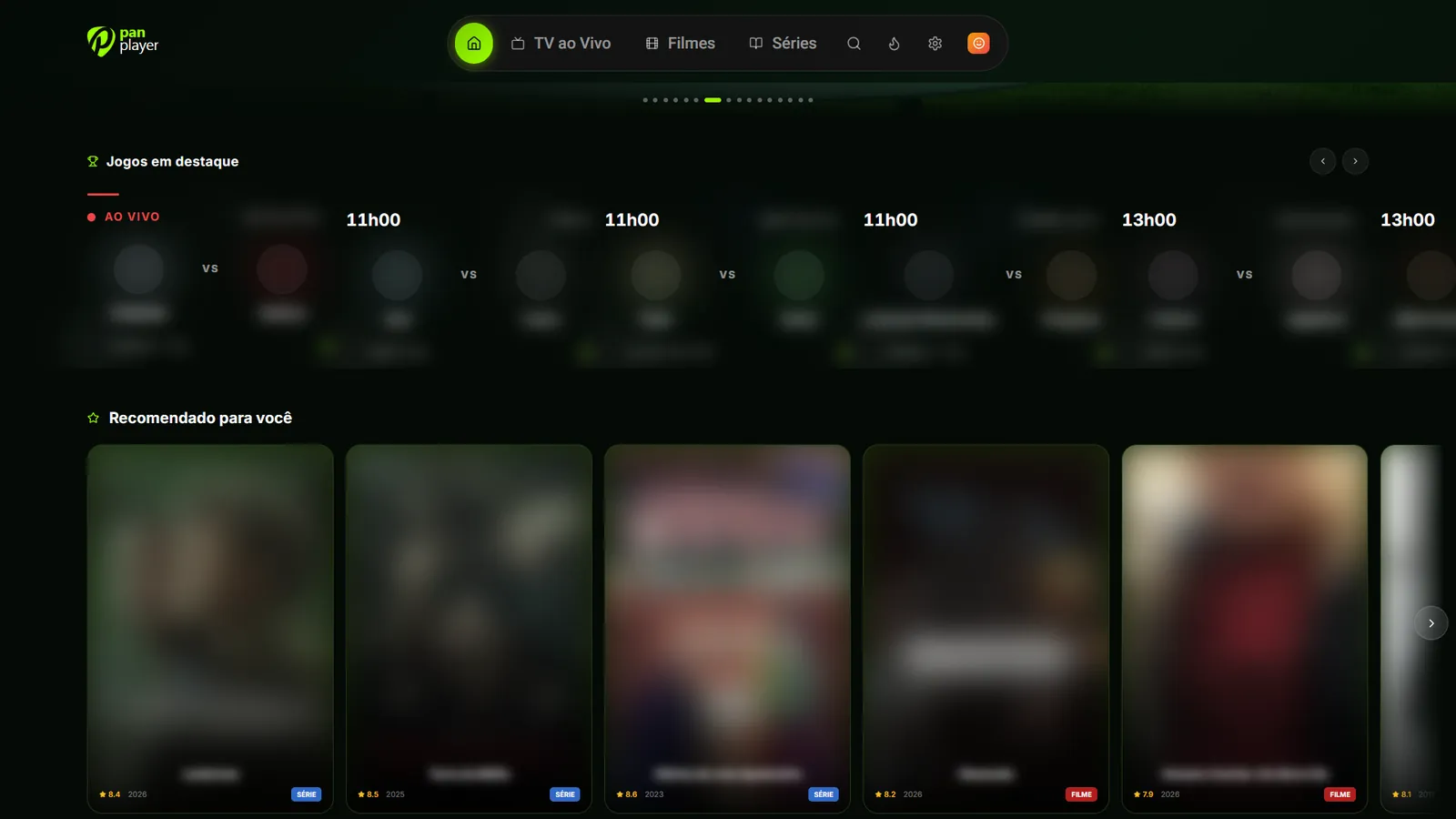
The Roku app follows the same look and navigation as Pan Player on other TVs, built for the arrow keys and the OK button:
- Profiles, each with its own favorites, history and preferences.
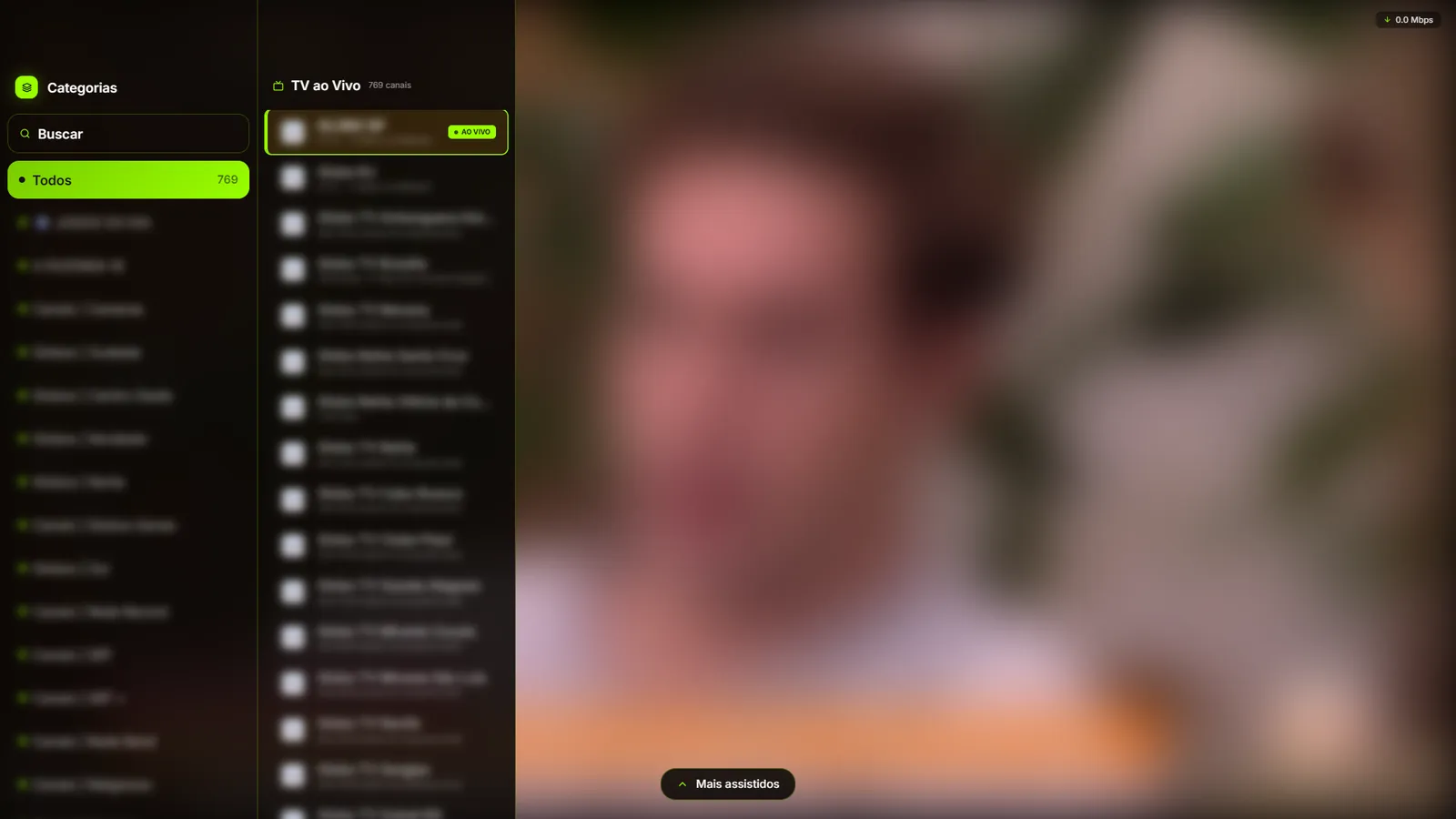
- Live TV with the channel list and quick switching.
- Movies and series with artwork, synopsis and next episodes.
- Continue watching, synced per profile across devices: start on the living-room TV and finish on your phone.
- Kids area and password-protected parental controls.
- Search with an on-screen keyboard designed for the remote.
More devices, one account
The same account works on Roku, Fire TV, Android TV, Windows and mobile. See them all on devices.
Get started
The 7-day free trial includes every feature. Create your account, install Pan Player on your Roku and sign in with your username and password.