Profiles and continue watching on every device
Up to 5 profiles plus Kids, a PIN per profile and synced history: start on the TV, carry on on your phone and pick up a series where you left off.
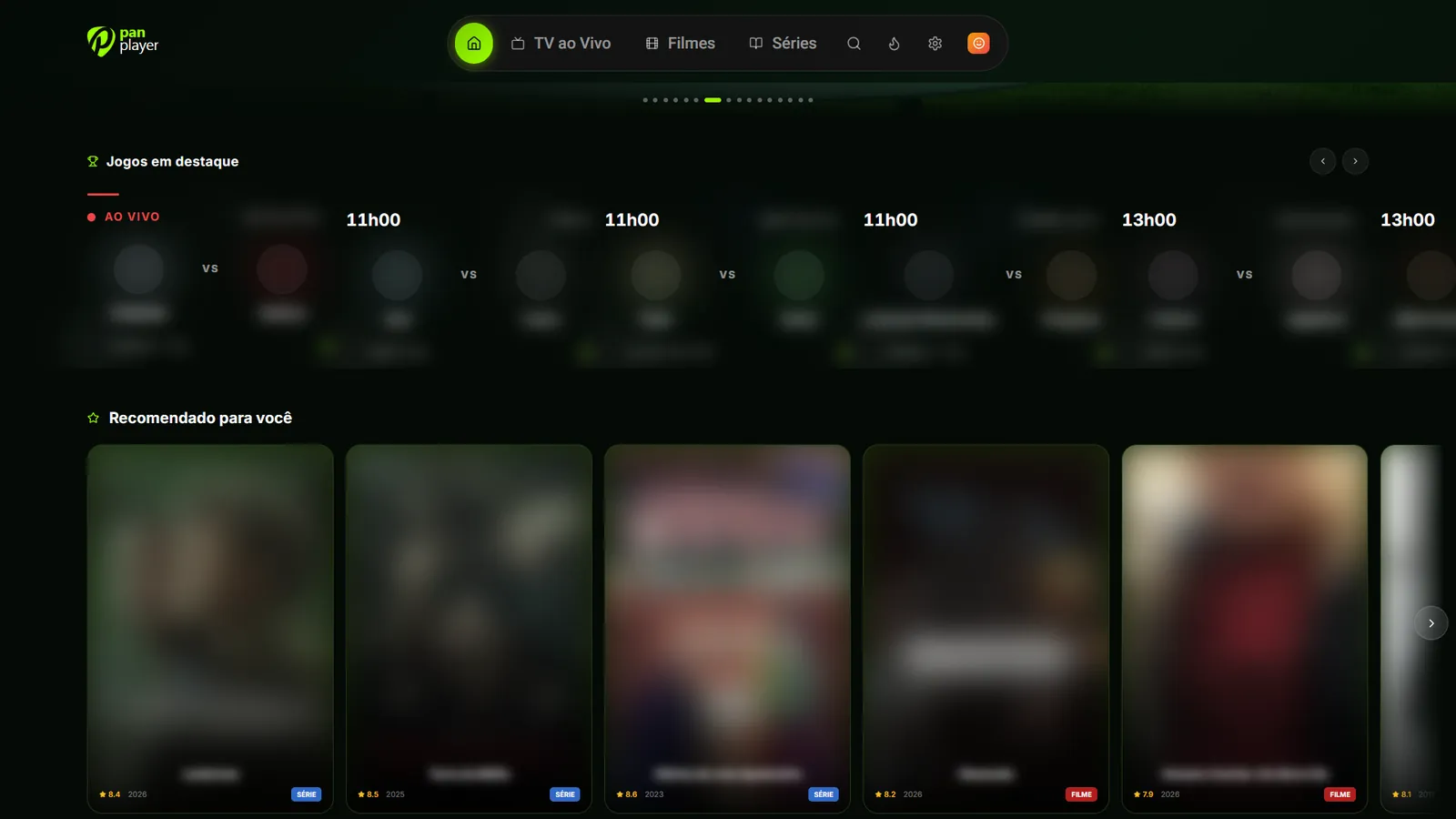
When the whole household shares one list, the history turns into a mess. The series you’re following gets buried under the kids’ cartoons, someone else carries on with your episode, and everyone’s favorites end up mixed together. Pan Player’s profiles keep all of that apart, and continue watching follows each person from one device to the next.
How profiles work
Each account can have up to 5 profiles, plus a fixed Kids profile. Every profile has its own:
- favorites;
- history and continue watching row;
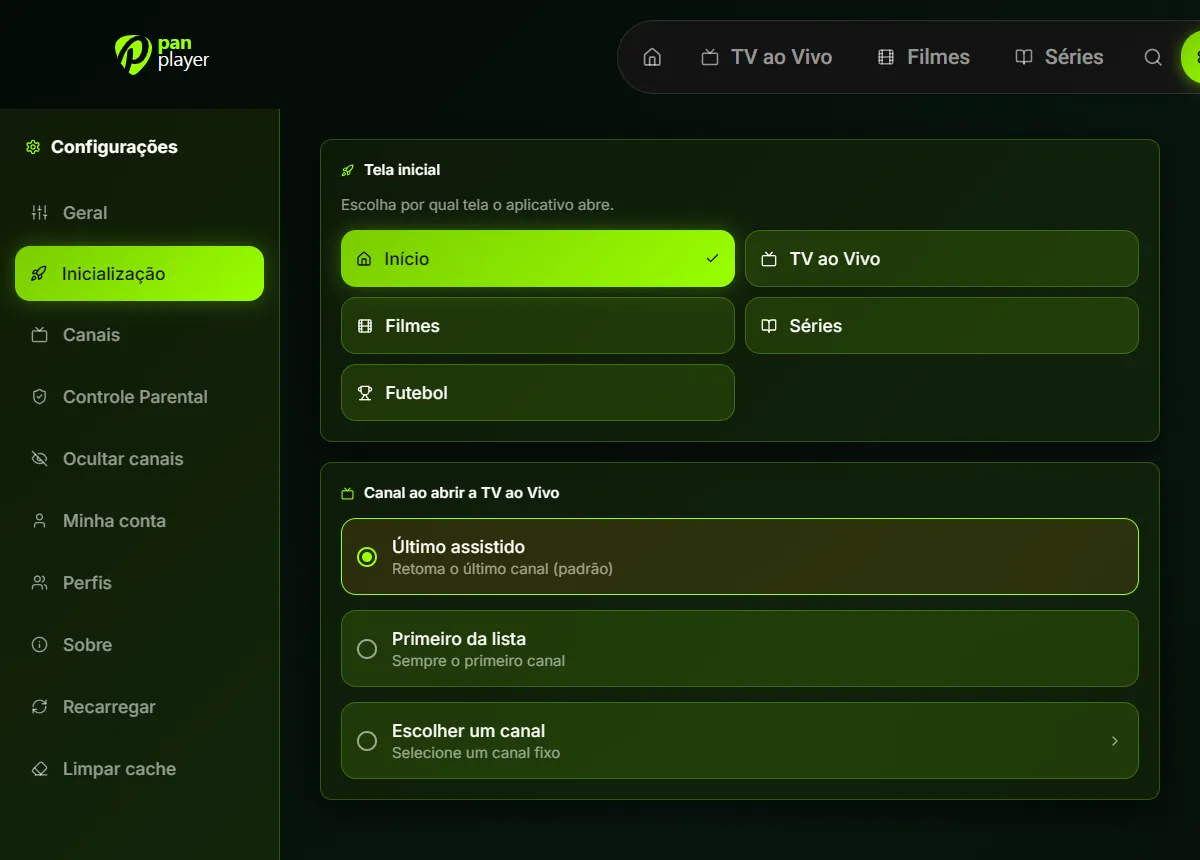
- settings;
- optional 4-digit PIN.
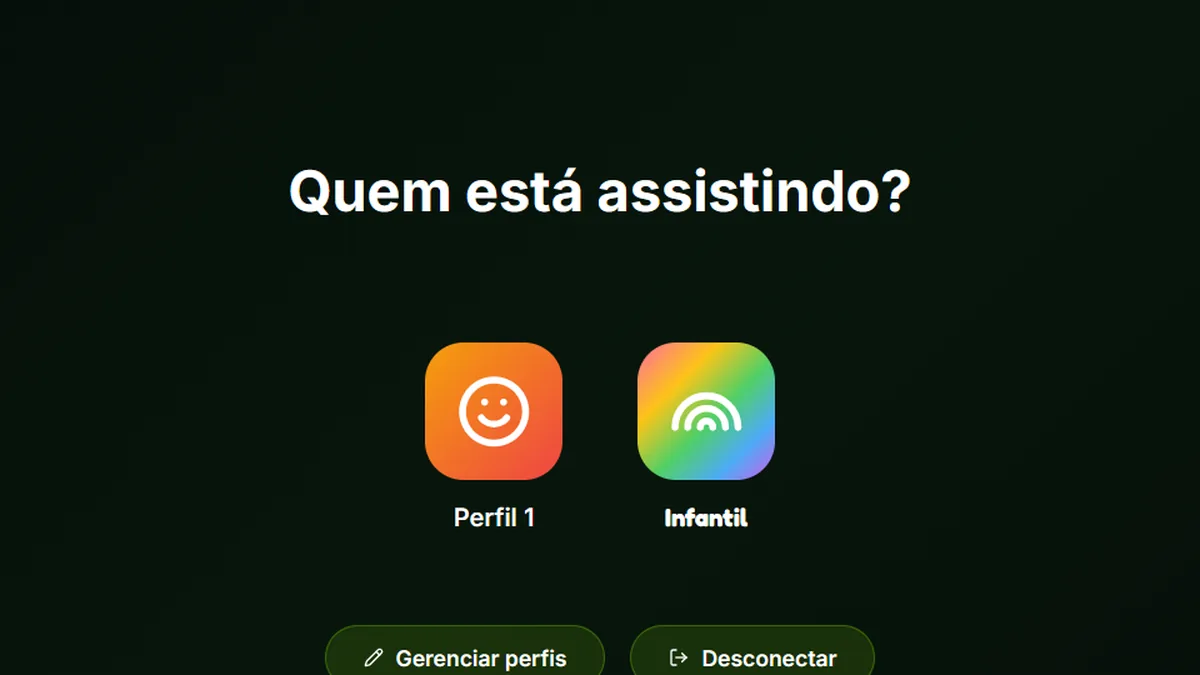
On the “Who’s watching?” screen, each person picks their profile and finds the app just as they left it.
A PIN per profile
The PIN is optional and only applies to the profile you set it on. It’s useful if you don’t want anyone else opening your profile, touching your history or carrying on with your series. If you don’t mind, leave the profile without a PIN and go straight in.
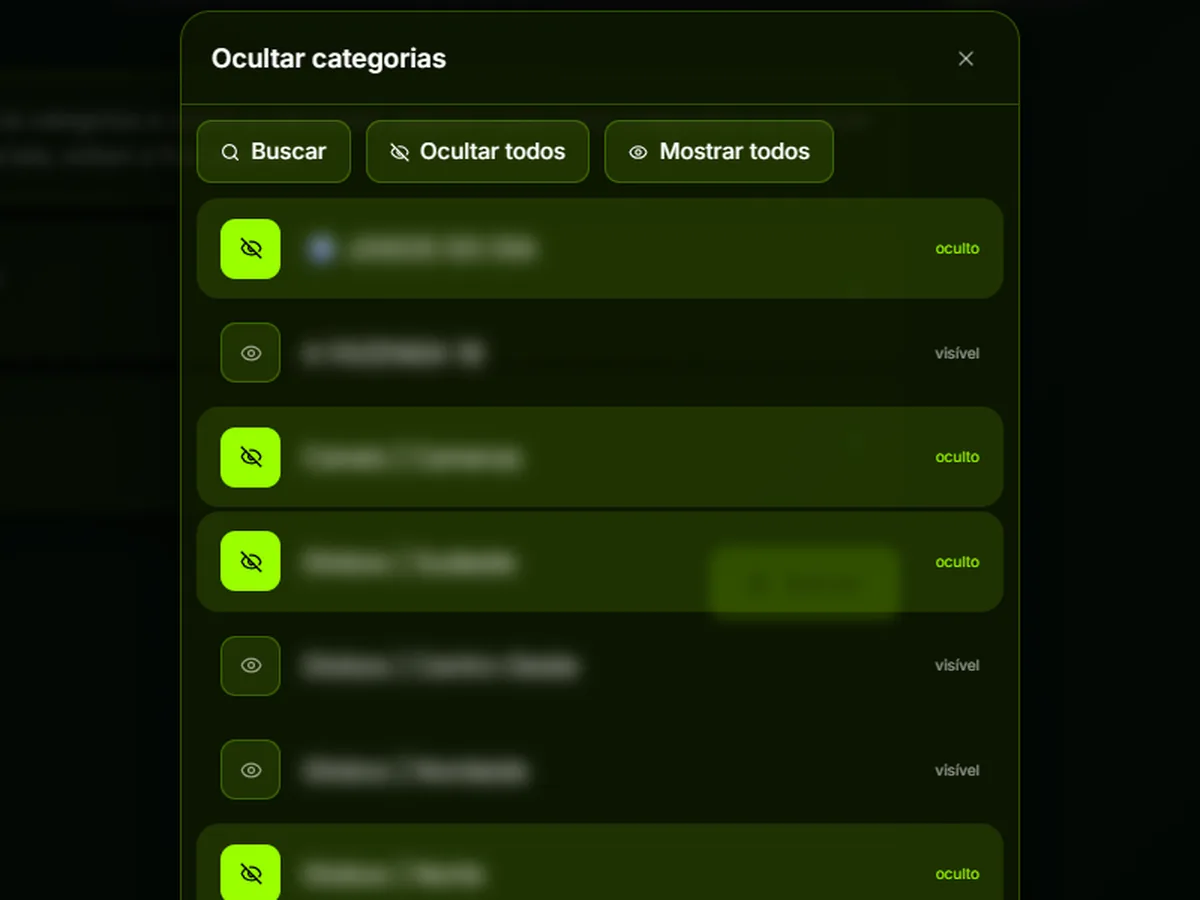
A profile PIN is not the same as the parental control password. The PIN guards entry to a profile; the parental password protects adult content and anything you’ve chosen to hide. We cover the parental password in hide categories and channels.
Kids profile
The Kids profile comes ready to use and opens straight into the kids area, with a more playful look and rows made for children, such as kids channels and classic animations. It’s the profile to use when you hand over the remote and don’t want to worry about what shows up on screen.
Continue watching across devices
Each profile’s history syncs between devices. In practice: you start a movie on the living room TV, head out and carry on on your phone from the same spot. That night, you finish it on the bedroom TV.
Because history is per profile, each person only sees what they were watching. The episode your kid started won’t show up in your row.
Pan Player has apps for Android TV, Google TV, Fire TV, LG, Samsung and Roku TVs, plus Windows, Android phones and tablets, iPhone and iPad. The full list is on the devices page.
It goes back 10 seconds
When you resume something, the app starts 10 seconds before the point where you stopped. That gives you a moment to get back into the scene, so you don’t miss the line that was cut off when you paused or closed the app.
Next episodes with one tap
Keep watching the next episodes with just one tap: at the end of an episode, the next one is right there. You can keep a binge going without going back to the menu, finding the season and picking the episode with the remote.
What doesn’t get recorded
If you watched less than 1 minute of something, it isn’t recorded. That keeps your row from filling up with things you only opened to check out what they were about.
Setting up profiles for your household
A few ideas to get the most out of it:
- Create a profile for each person who watches regularly. Up to 5 profiles covers most families.
- Set a PIN on the profiles where privacy matters, like the adults’.
- Keep the kids on the Kids profile, which opens in the right place from the start.
- Adjust each profile’s settings. Since settings are per profile, everyone can set the app up their way.
It’s worth remembering that Pan Player is only a player: it doesn’t store or host any content, and movies, series and channels come from your own list, one that is yours or that you’re authorized to use. Profiles organize how each person uses that list. If you haven’t added yours yet, follow how to set up your Xtream Codes list.
Try it
The 7-day free trial includes every feature, profiles and synced continue watching included. Create your account on the register page, set up a profile for everyone at home, and try it out: start an episode on the TV and finish it on your phone.