On the living room TV, the PC and in your pocket
Pan Player has apps for the main smart TVs, TV boxes, computers and phones. Install it from your device’s store and sign in with the same username and password on all of them.
- Android TV · Google TV Google Play Coming soon
- Amazon Fire TV Amazon Appstore Coming soon
- LG Smart TV (webOS) LG Content Store Coming soon
- Samsung Smart TV (Tizen) Samsung Apps Coming soon
- Roku Roku Channel Store Coming soon
- Windows Microsoft Store
- Android Phone and tablet · Google Play Coming soon
- iPhone and iPad App Store Coming soon
How many screens can watch at once depends on your list’s simultaneous connections.
How to install on any device
- 1
Open the app store
On the TV, press Home on the remote and open the store (LG Content Store, Samsung Apps, Google Play, Amazon Appstore or Roku Channel Store). On PC, the Microsoft Store; on phones, Google Play or the App Store.
- 2
Search for “Pan Player”
Install the app. On Roku, apps are called channels: choose “Add channel”.
- 3
Sign in
Open the app and sign in with your username and password. No account yet? Create your free account on the panel.
Step-by-step guides
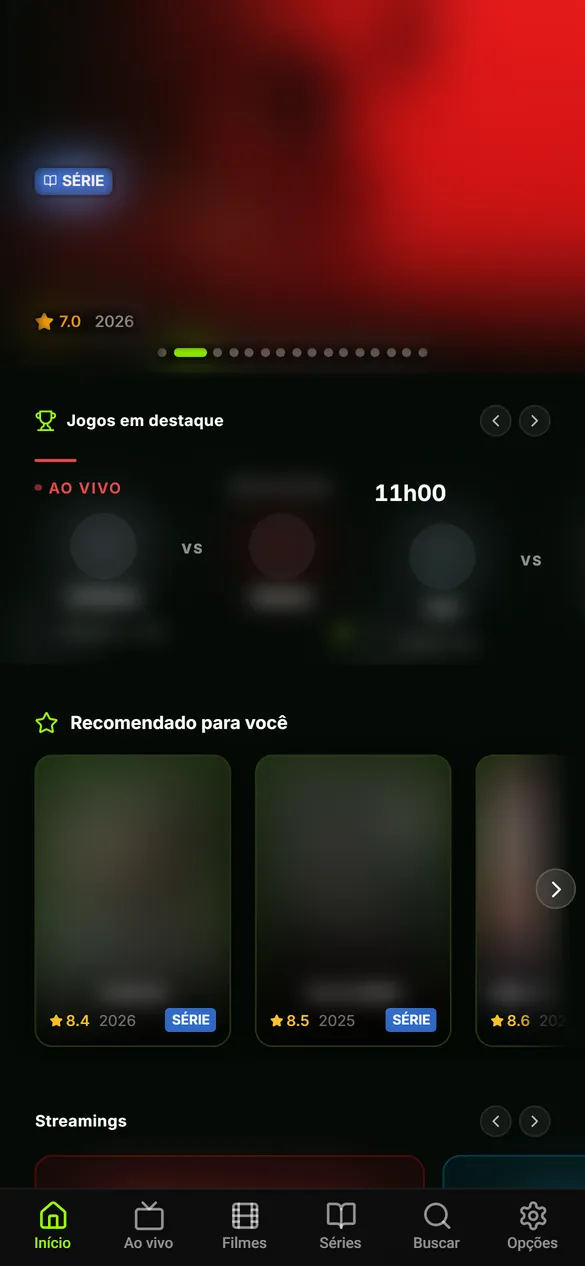
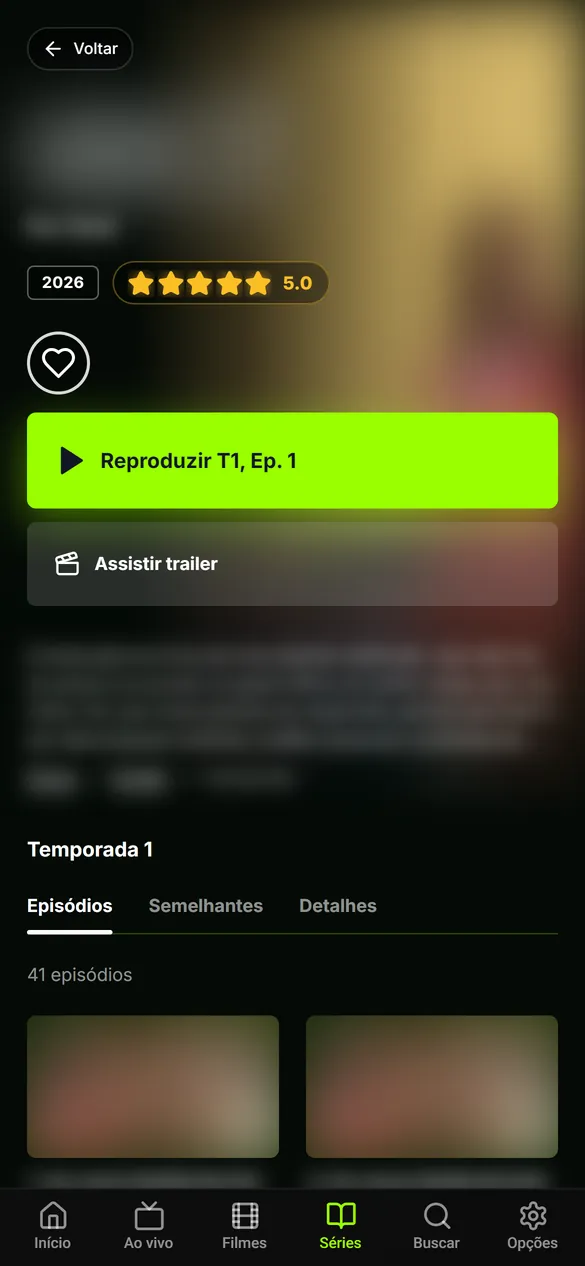
Made for the remote
On the TV, every screen works with just the arrows and OK: menus, search with an on-screen keyboard, channel switching and settings.
Player only. We don’t sell, provide, host or store channels, movies or lists: everything comes from your own IPTV list, which must be yours or authorized for your use.
Your list, properly organized. Try it for 7 days.
Create your account in a minute, add your list and sign in on the TV with your username and password. No card to get started.