Pan Player on Linux: install it from the Snap Store, .deb or .rpm
Pan Player has a Linux app. Install it from the Snap Store on Ubuntu, Mint, Debian, Fedora and other distributions, or grab the .deb or .rpm, and watch live TV, movies and series on your computer.
Pan Player now has a Linux app. It runs on Ubuntu, Linux Mint, Debian, Pop!_OS, Fedora, openSUSE, Manjaro and most other 64-bit distributions, and you sign in with the same account you use on your TV and phone.
As always, Pan Player is a player. It doesn’t sell, provide or store channels, movies, series or lists. What you watch comes from your own Xtream Codes list, one that’s yours or that you’re allowed to use.
Snap Store (recommended)
The snap is the simplest route. It works on almost every distribution, ships with the video codecs and updates itself.
- Open the Terminal (on Ubuntu:
Ctrl + Alt + T). - Paste the command below and press Enter. It will ask for your computer password.
sudo snap install pan-player- Open Pan Player from the applications menu.
On Ubuntu you can skip the terminal entirely: search for “Pan Player” in the App Center and click Install.
If you get an error saying the snap command doesn’t exist, your distribution doesn’t ship snapd. Install it using the official guide and run the command again.
.deb or .rpm package
If you’d rather use a native package, download the one for your distribution from our download page.
The .deb is for Ubuntu, Debian, Linux Mint and Pop!_OS. Double-click it, or run this from the folder the file is in:
sudo apt install ./PanPlayer_1.0.0_amd64.debThe .rpm is for Fedora and openSUSE:
sudo dnf install ./PanPlayer-1.0.0-1.x86_64.rpmEither way, the video codecs (GStreamer) get installed along with the package.
Signing in
You sign in with a username and password. If you have a panel account, use its email and password. If you’re a reseller’s customer, use the username and password they gave you. Your list loads on its own.
No account yet? Create one and add your list in the panel by following how to set up your Xtream Codes list.
What’s in the app
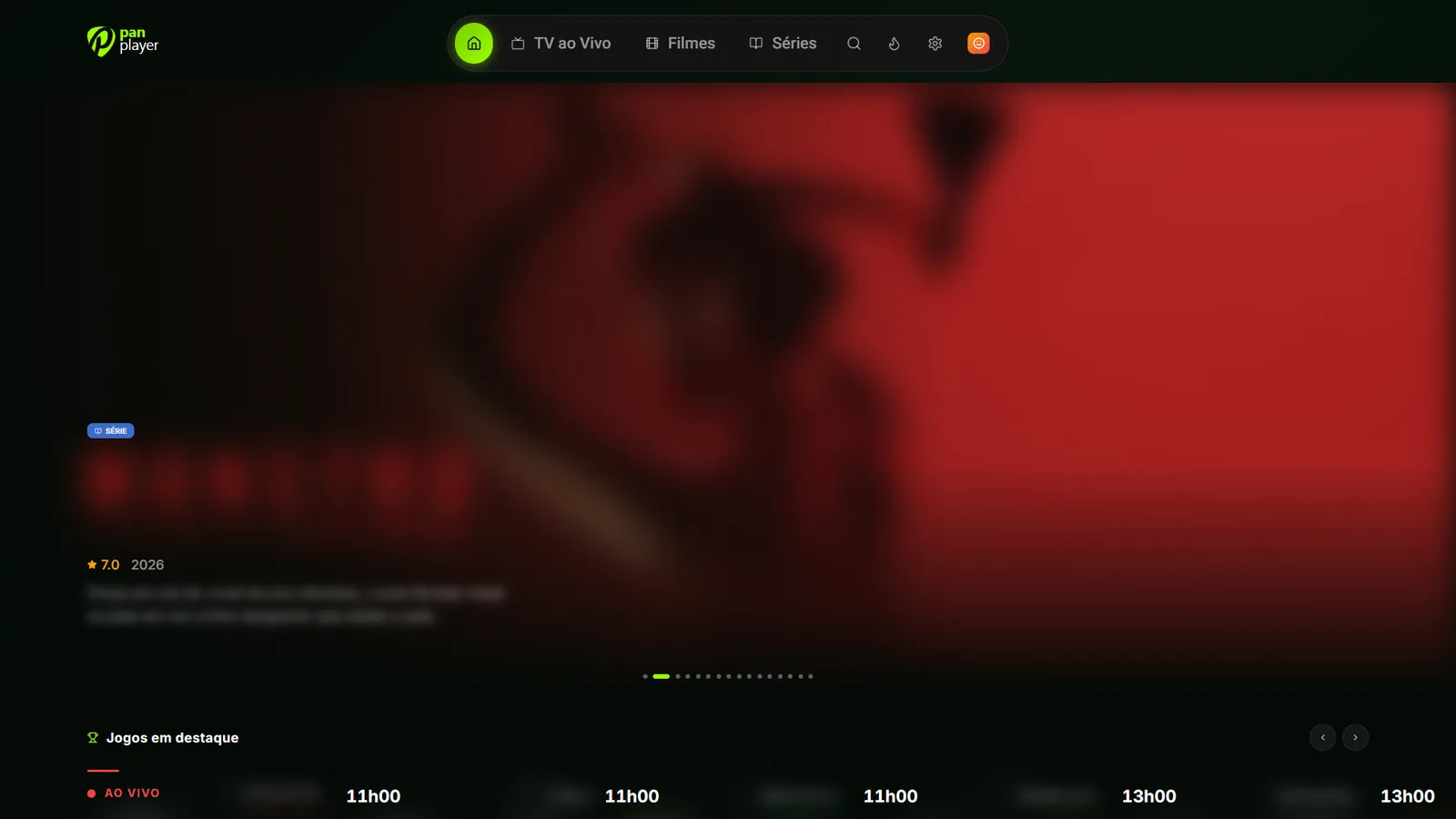
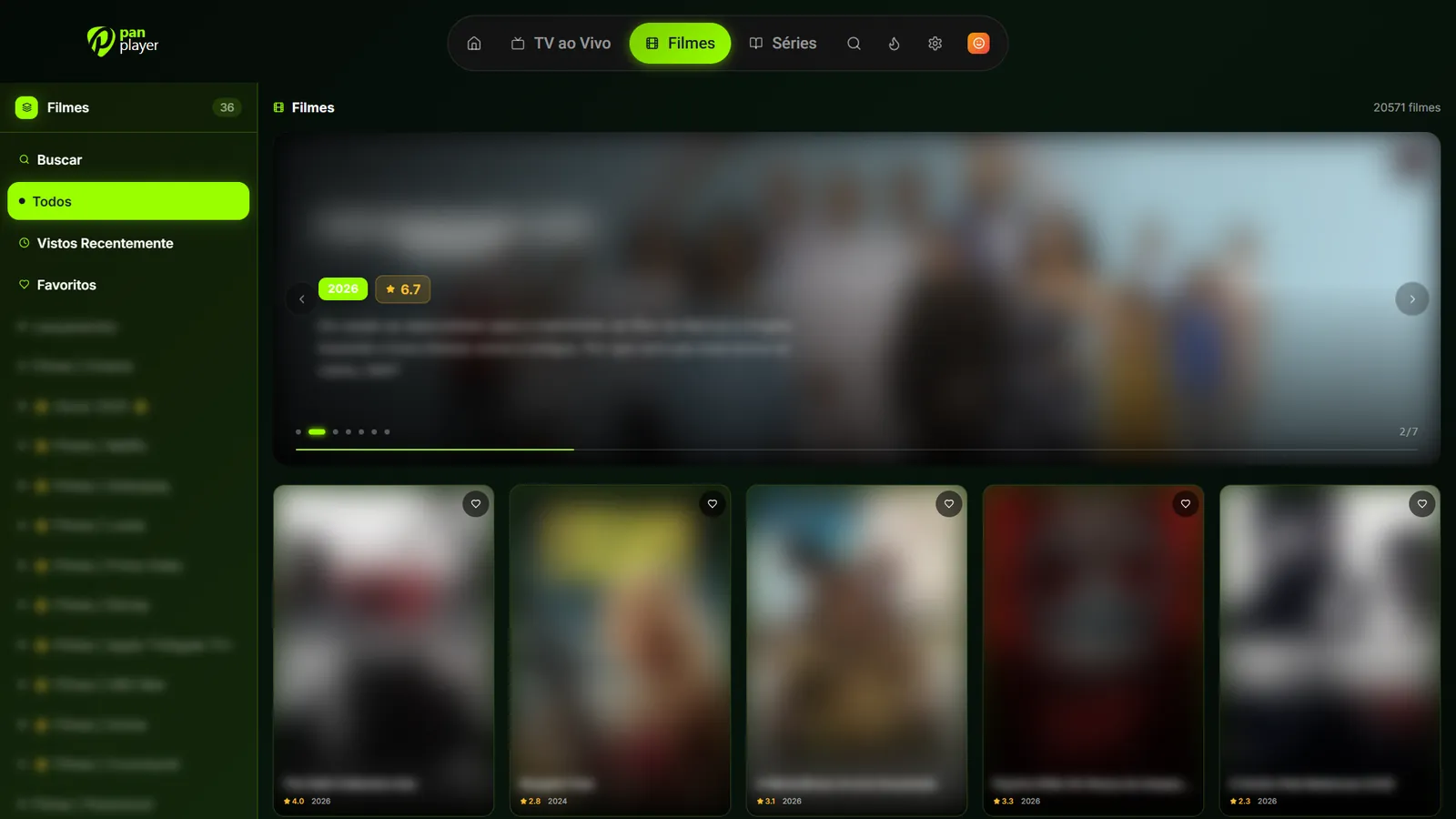
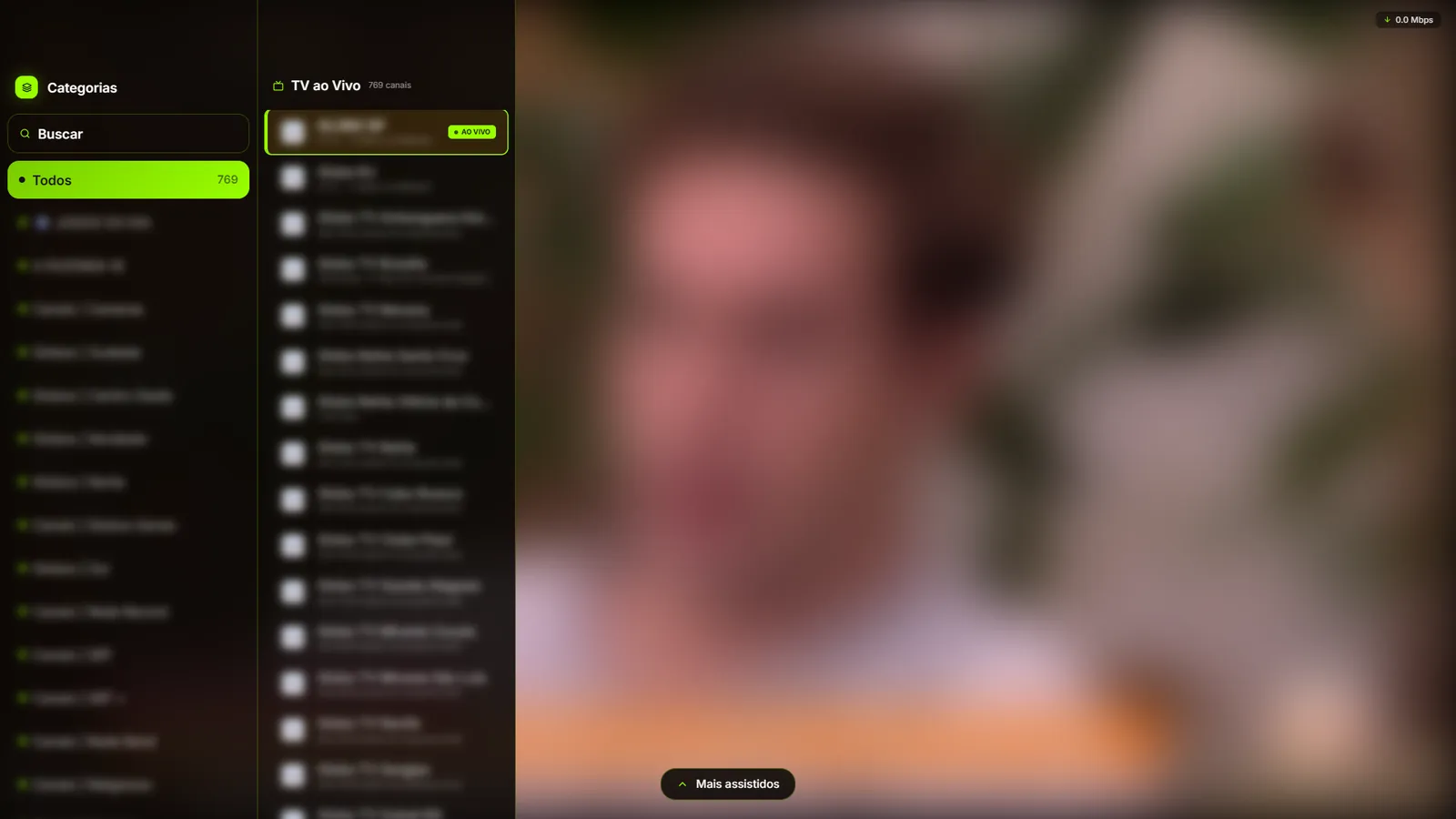
The app opens full screen and is the same one you get on TVs: live TV with the program guide and fast channel switching, movies and series with cover art, synopsis, trailer and next episodes, plus profiles, favorites, search, a kids area and PIN-protected parental controls. Continue watching syncs per profile across devices.
Since the app loads Pan Player straight from our servers, new features show up without you updating anything.
Windows too
On Windows, Pan Player is on the Microsoft Store. See Pan Player is now on the Microsoft Store.
The 7-day free trial includes every feature. Create your account, install it on your Linux machine and sign in.