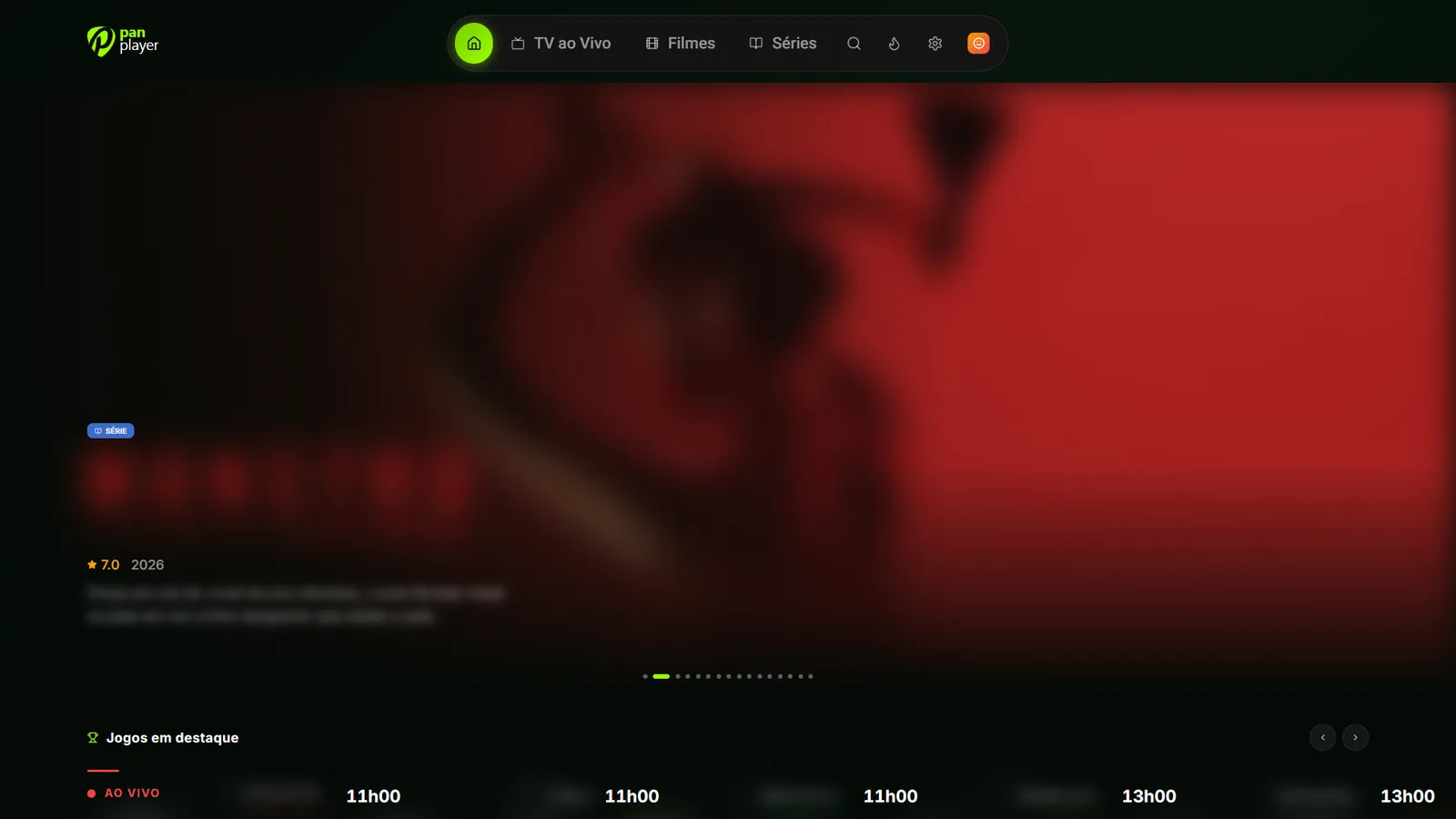
Pan Player is now on the Microsoft Store for Windows
Install Pan Player on Windows 10 and 11 from the Microsoft Store, with automatic updates. Sign in with your username and password and watch live TV, movies and series on your PC.
Pan Player is now on the Microsoft Store. Any desktop or laptop running Windows 10 or 11 can install it from the official store and sign in with the same account you use on your other devices.
As always, Pan Player is a player. It doesn’t sell, provide or store channels, movies, series or lists. What you watch comes from your own Xtream Codes list, one that’s yours or that you’re allowed to use.
Why the store version
Microsoft reviews the app before it’s published, and after that Windows keeps it updated for you, so there’s nothing to re-download. It installs in one click and lands in the Start menu like any other app.
How to install it
- Open the Pan Player page on the Microsoft Store. Or open the Microsoft Store app from the Start menu and search for Pan Player.
- Click Get (or Install).
- When it finishes, open Pan Player from the Start menu.
Some work computers block the Microsoft Store. If yours does, grab the Windows installer from our download page instead.
Signing in
You sign in with a username and password. If you have a panel account, use its email and password. If you’re a reseller’s customer, use the username and password they gave you. Your list loads on its own.
No account yet? Create one and add your list in the panel by following how to set up your Xtream Codes list.
What you get on the PC
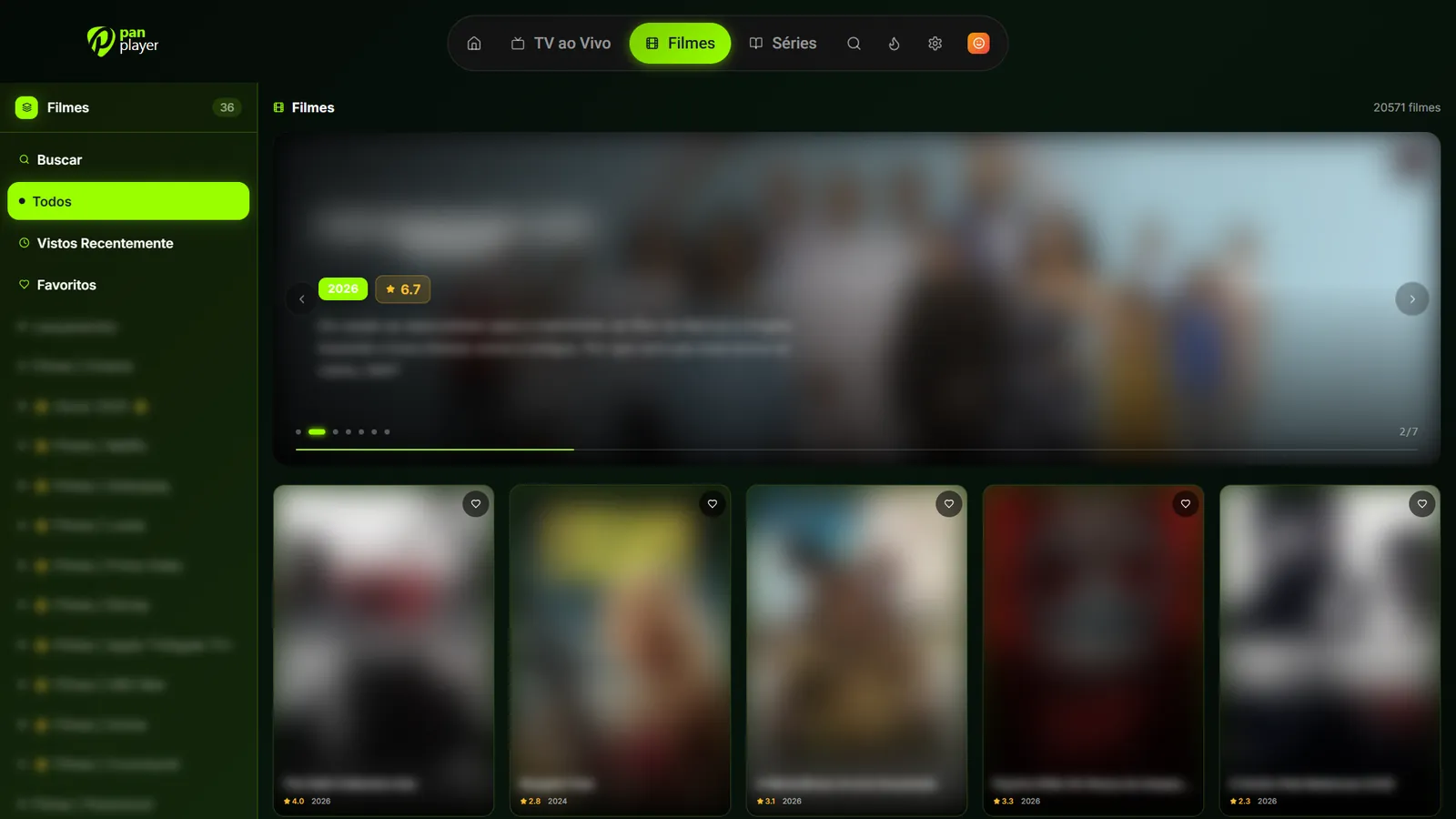
It’s the same app as on the TVs, same look and features, and it works with a mouse, keyboard or remote. You get live TV with the program guide and fast channel switching, movies and series with cover art, synopsis, trailer and next episodes, plus profiles, favorites, search, a kids area and PIN-protected parental controls.
Continue watching syncs per profile, so you can start something on the computer and finish it on the living room TV.
Linux too
There’s a Linux version as well. Install instructions are in Pan Player on Linux.
The 7-day free trial includes every feature. Create your account, install Pan Player from the Microsoft Store and sign in.