A modern, lightweight, fully customizable IPTV player.

Pan Player opens fast, lets every profile be set up its own way and keeps kids away from what isn’t for them. On smart TVs, Fire TV, PC and mobile.

  • No card to get started
  • Then $1 a month or $5 a year
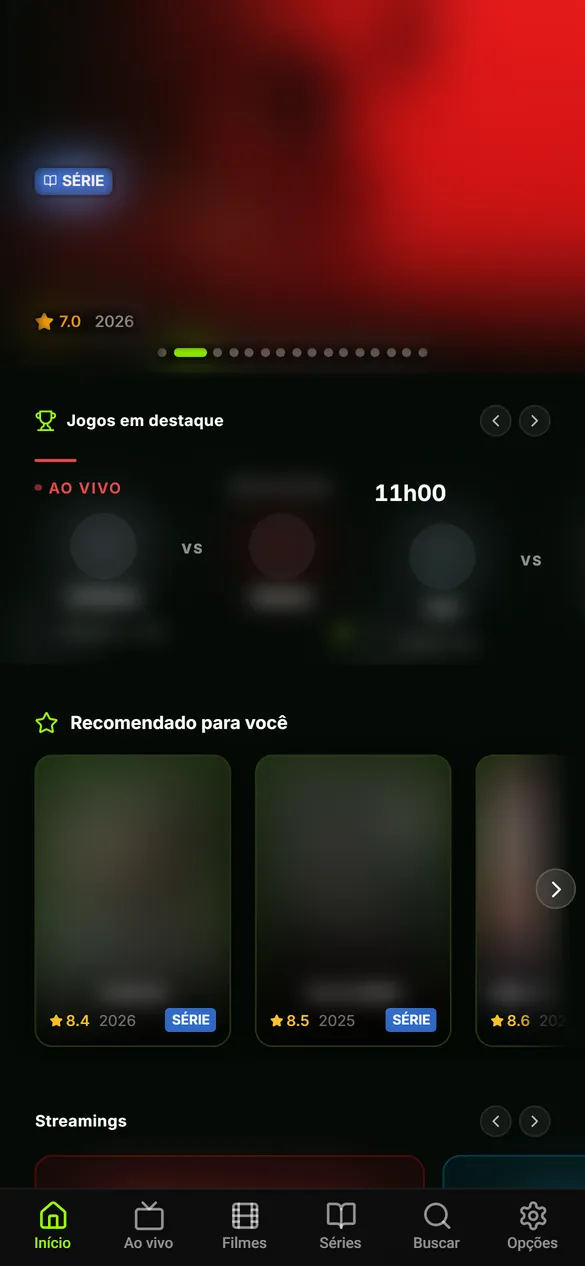
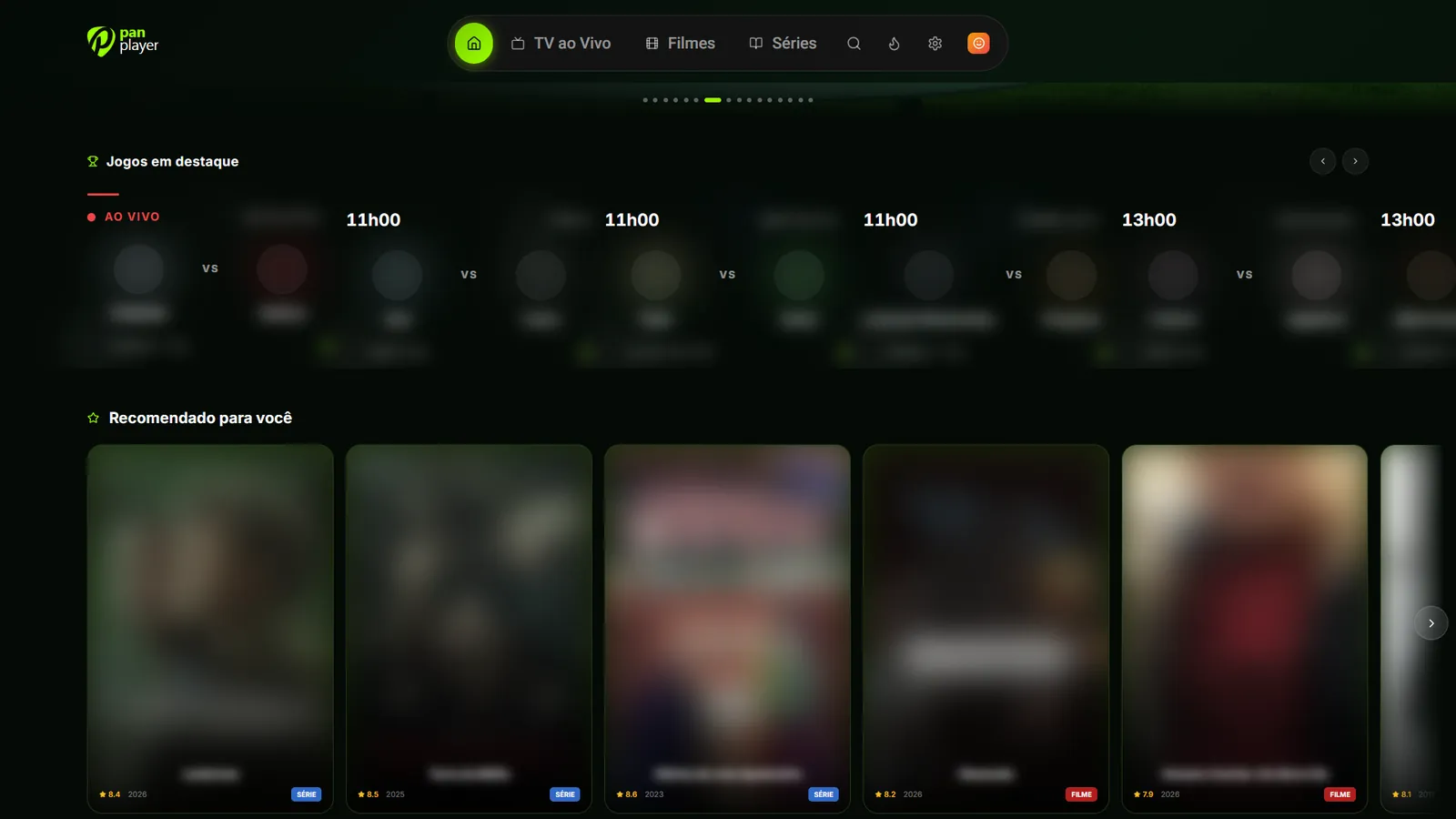
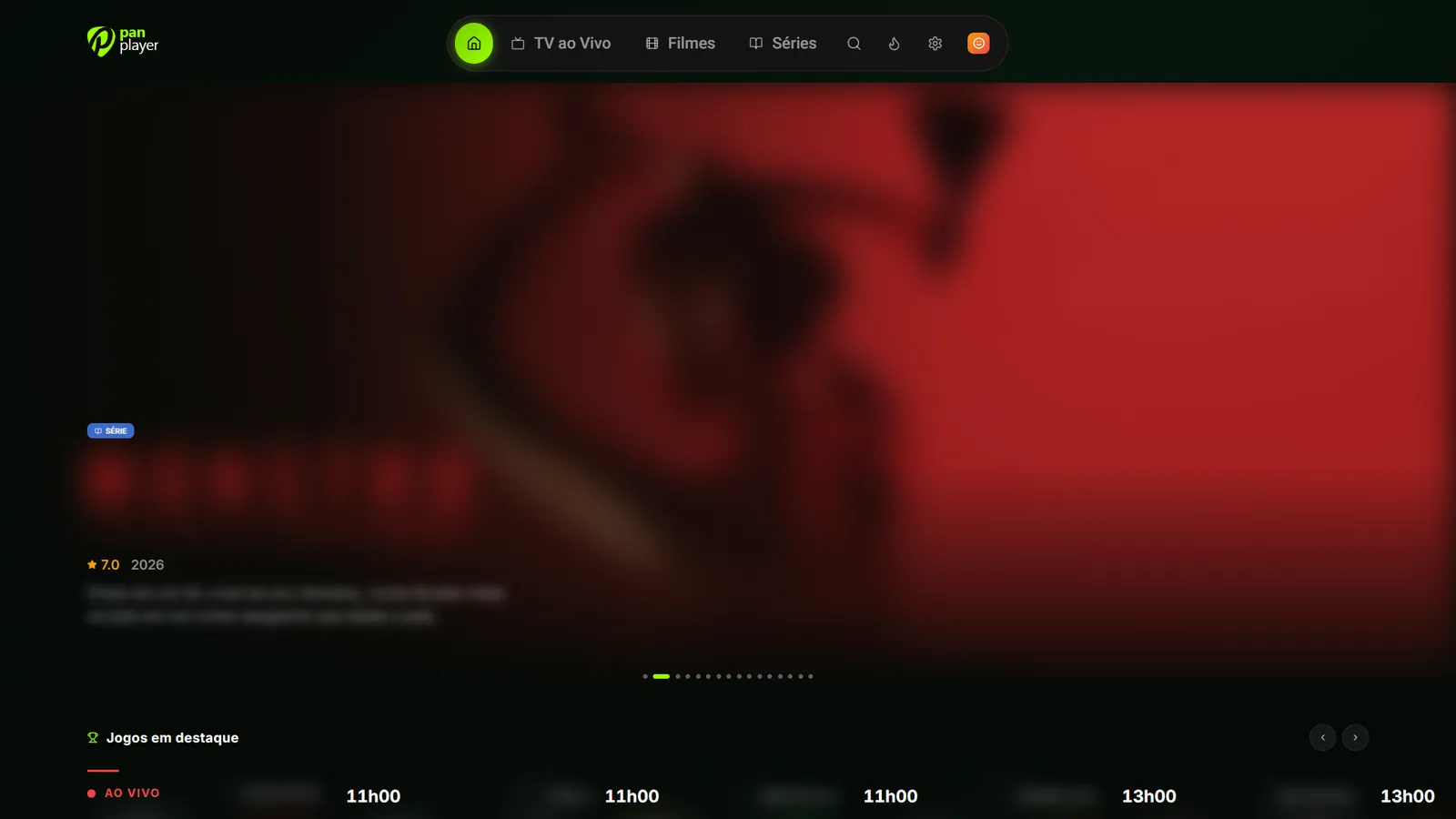
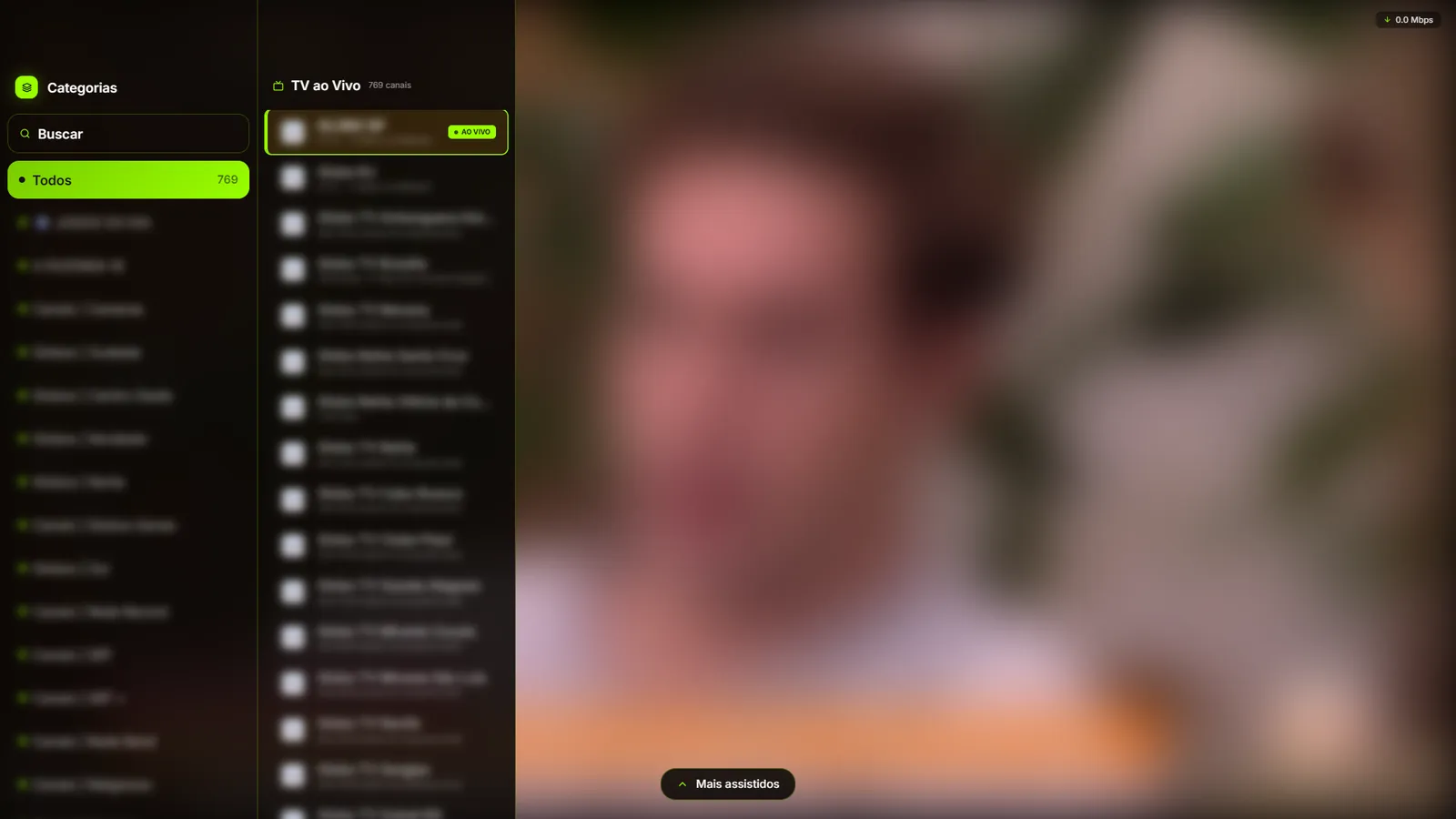
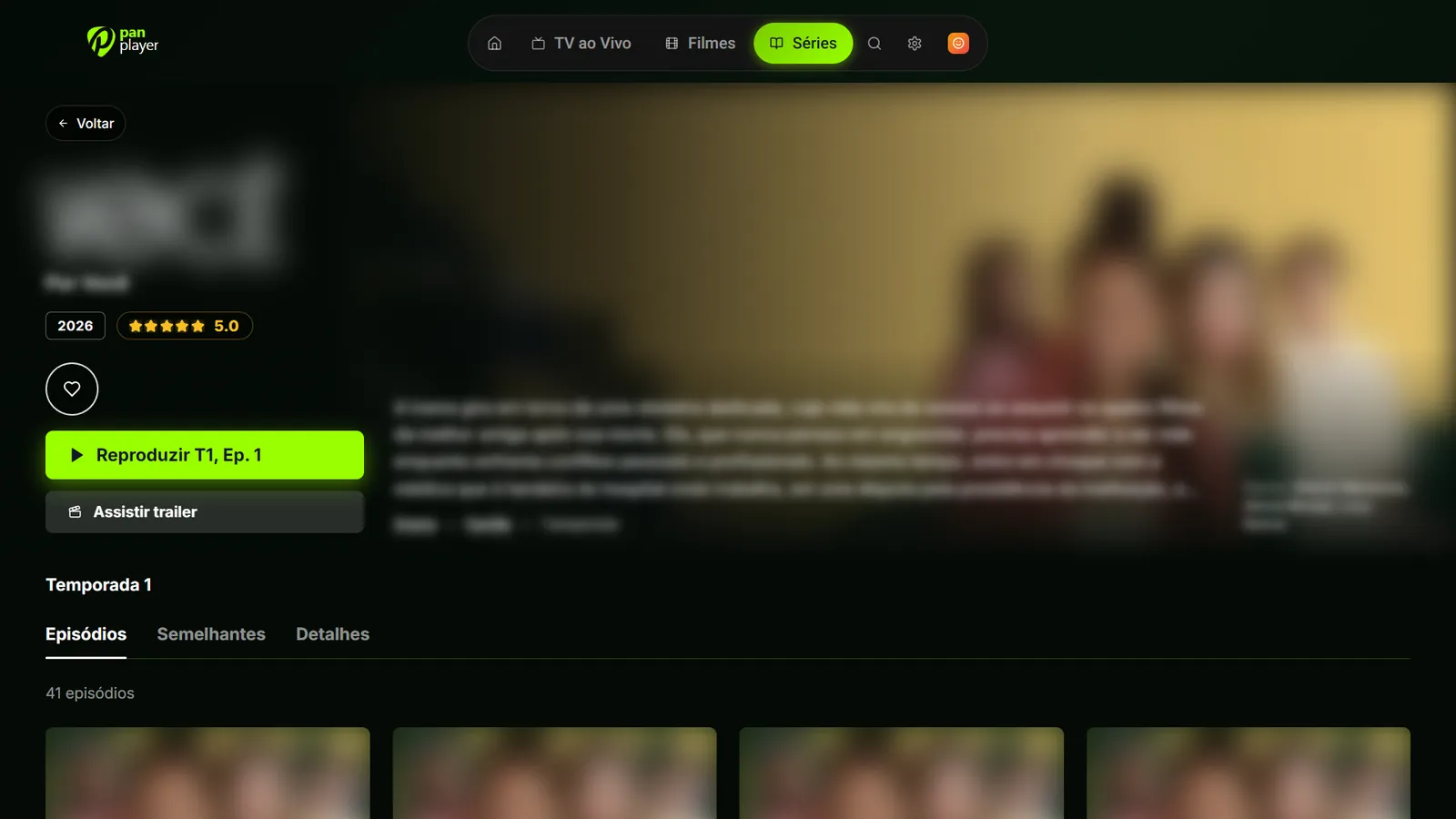
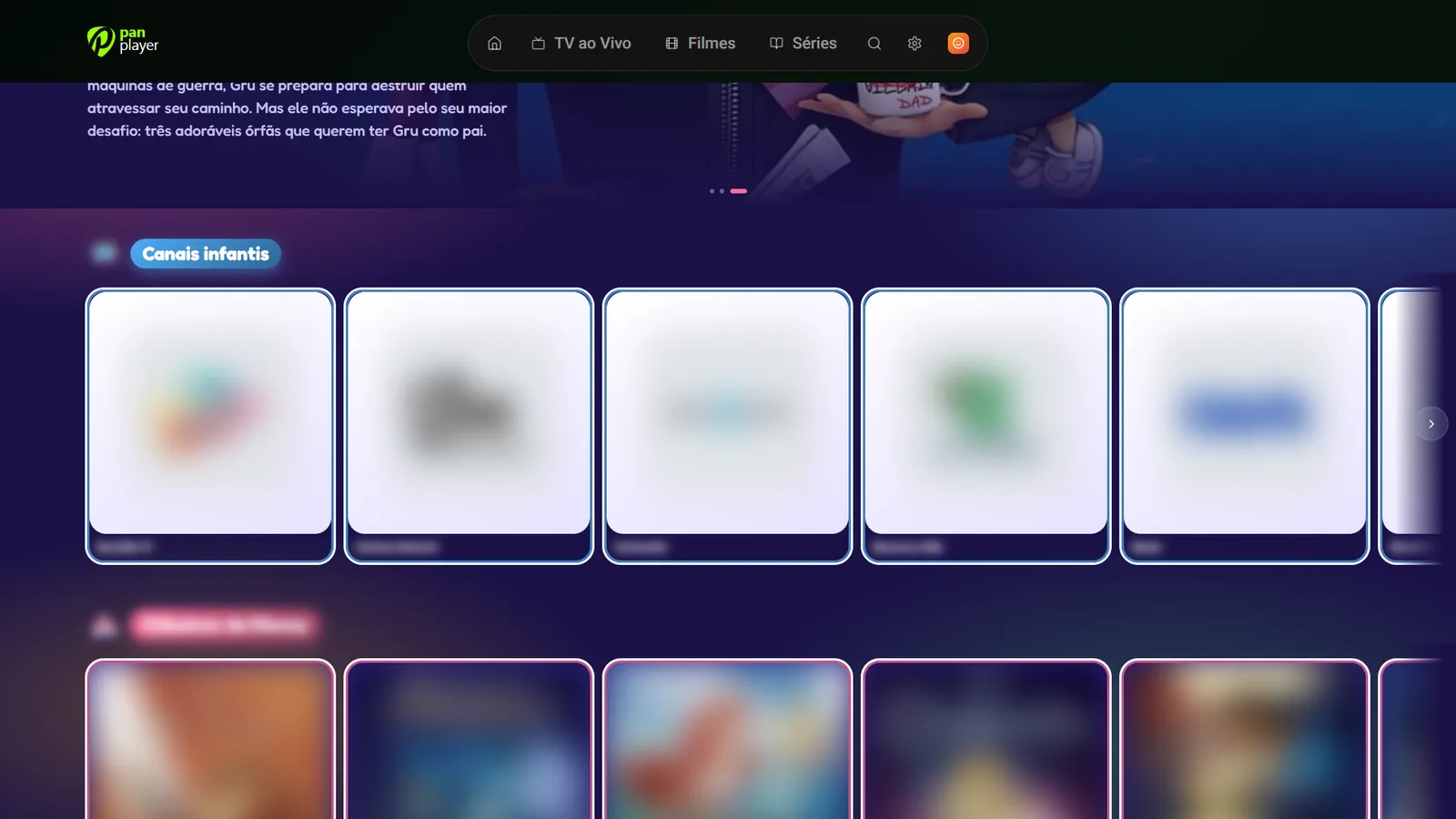
Home screenLive TV with categoriesSeries and episodesKids areaHide categoriesFamily profiles 1 Home screen
Covers, names and synopses are blurred: Pan Player stores no content, everything comes from your own list.

Player only. We don’t sell, provide, host or store channels, movies or lists: everything comes from your own IPTV list, which must be yours or authorized for your use.

From account to TV in three steps

No typing server addresses with the remote. Register your list once on the panel and sign in on the TV with just a username and password.

  1. 1

    Create your account

    On the panel, with name, e-mail and password. Your 7-day trial starts here.

  2. 2

    Add your list

    Enter your Xtream Codes list details on the panel. You only do it once.

  3. 3

    Sign in on the TV

    Open the app, type your username and password and that’s it: your list loads by itself.

Everything in its place, including what shouldn’t show

Features made for watching in the living room, with the family and the remote in hand.

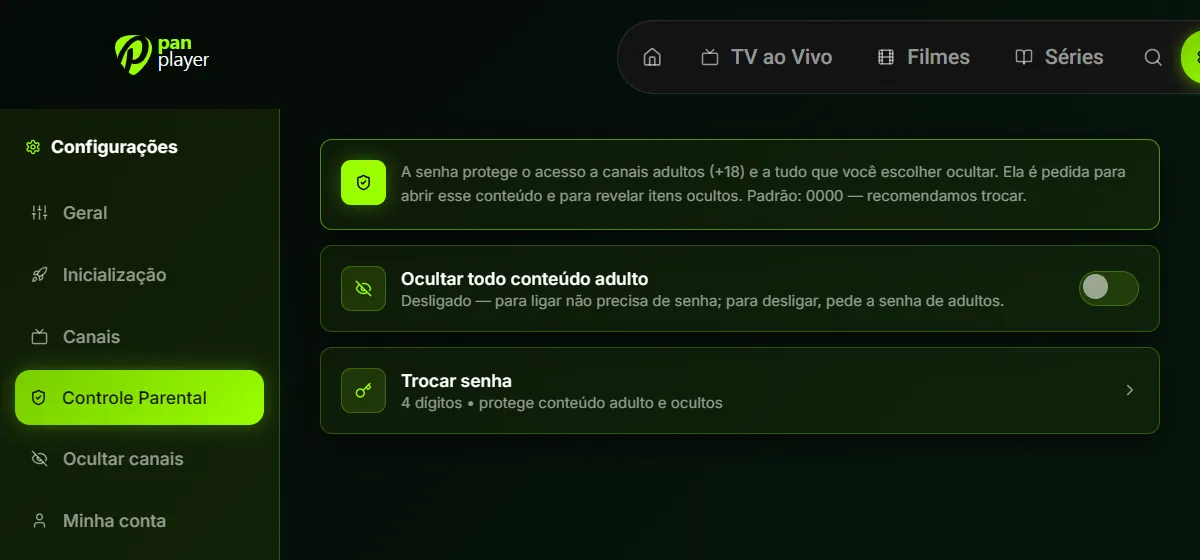
Advanced parental controls

A 4-digit password protects adult content and everything you hide. Hide all adult content with one switch and give kids the Kids profile, which opens straight into their own area.

  • A separate PIN for each profile
  • Kids profile with a kid-friendly look and rows
  • Adult content hidden with one tap
Pan Player parental control screen

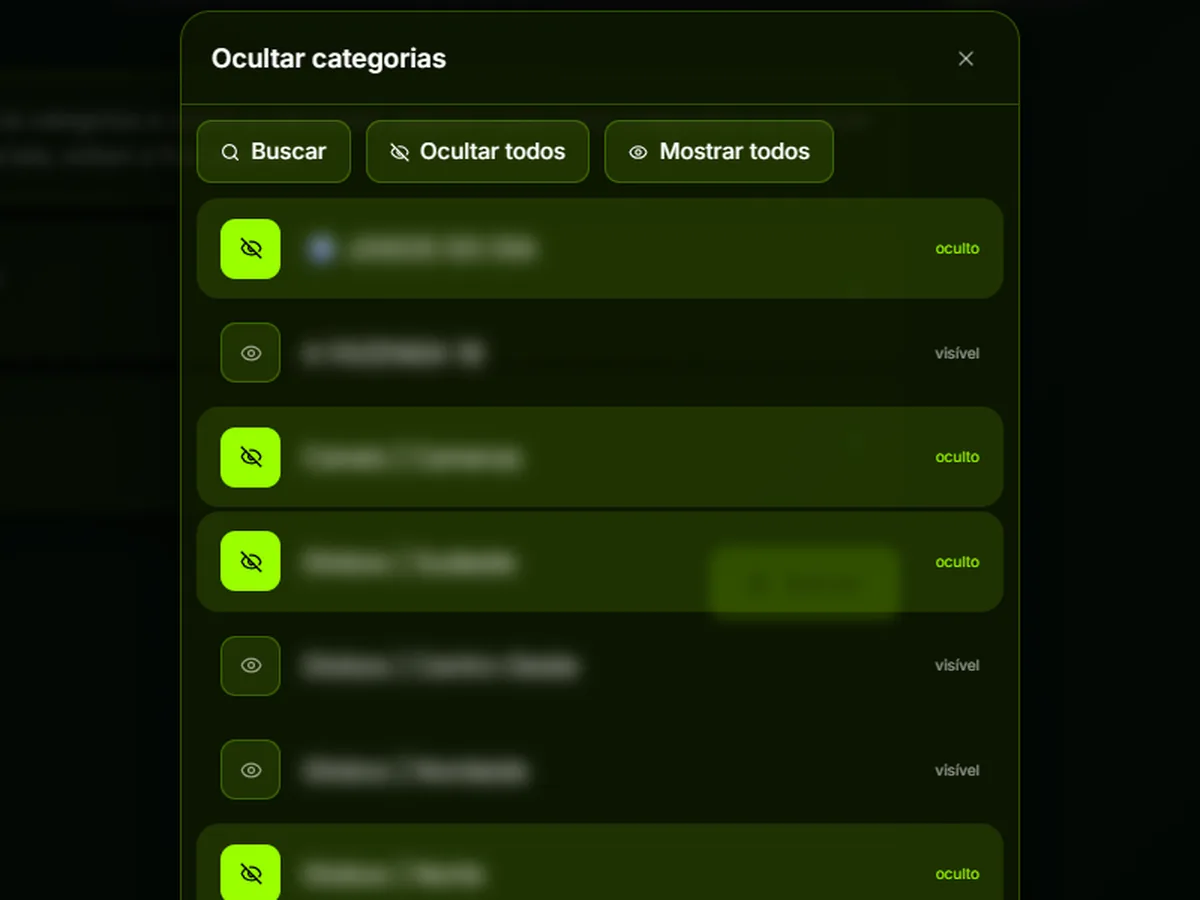
Hide categories and channels

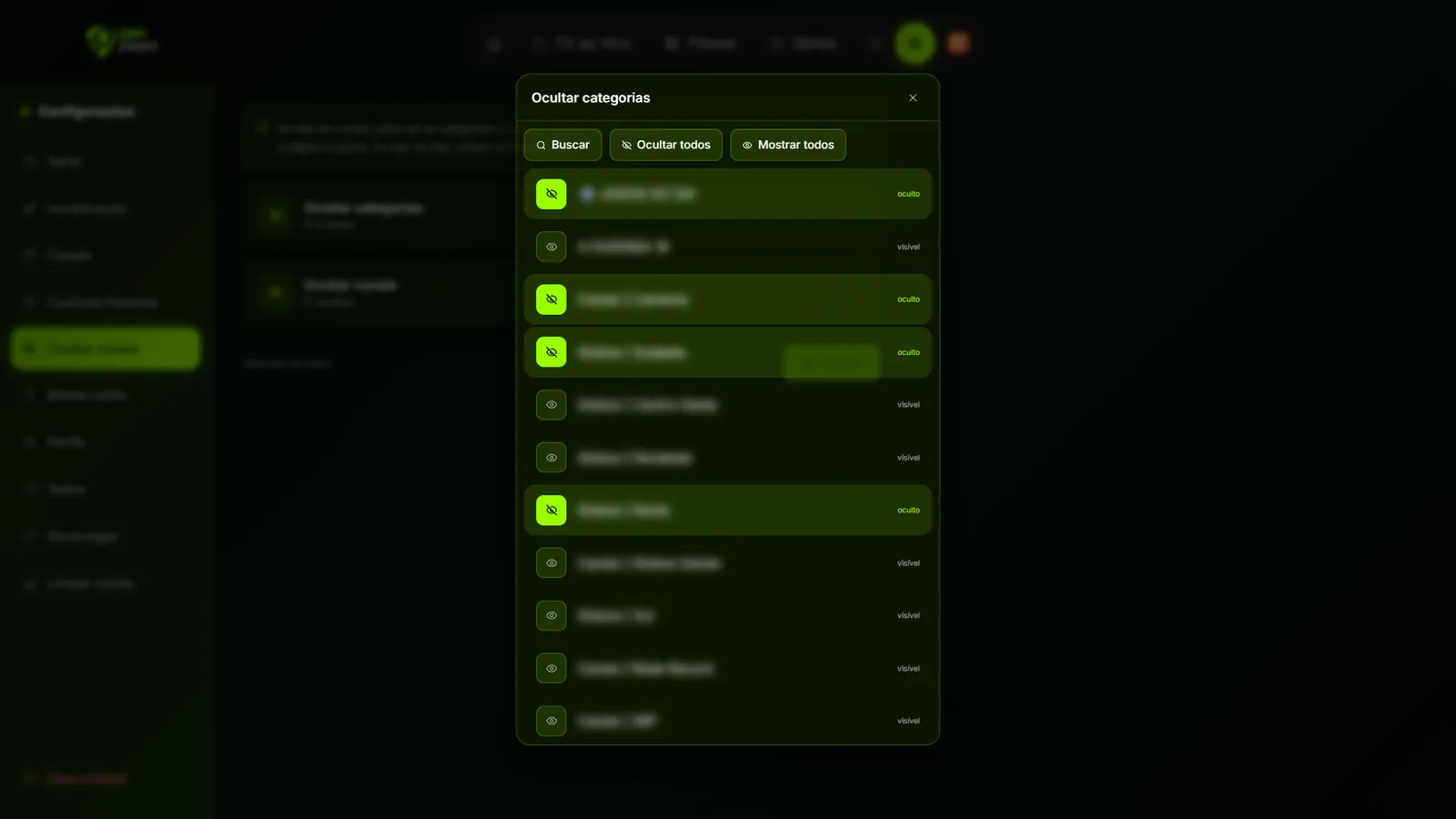
Make the list fit your home. Choose which categories and channels disappear from the screen, with search, “hide all” and “show all”.

  • To see hidden items: hold 0 for 3 seconds and type the password
  • They hide again when you leave the screen
Choosing hidden categories in Pan Player

Fast startup

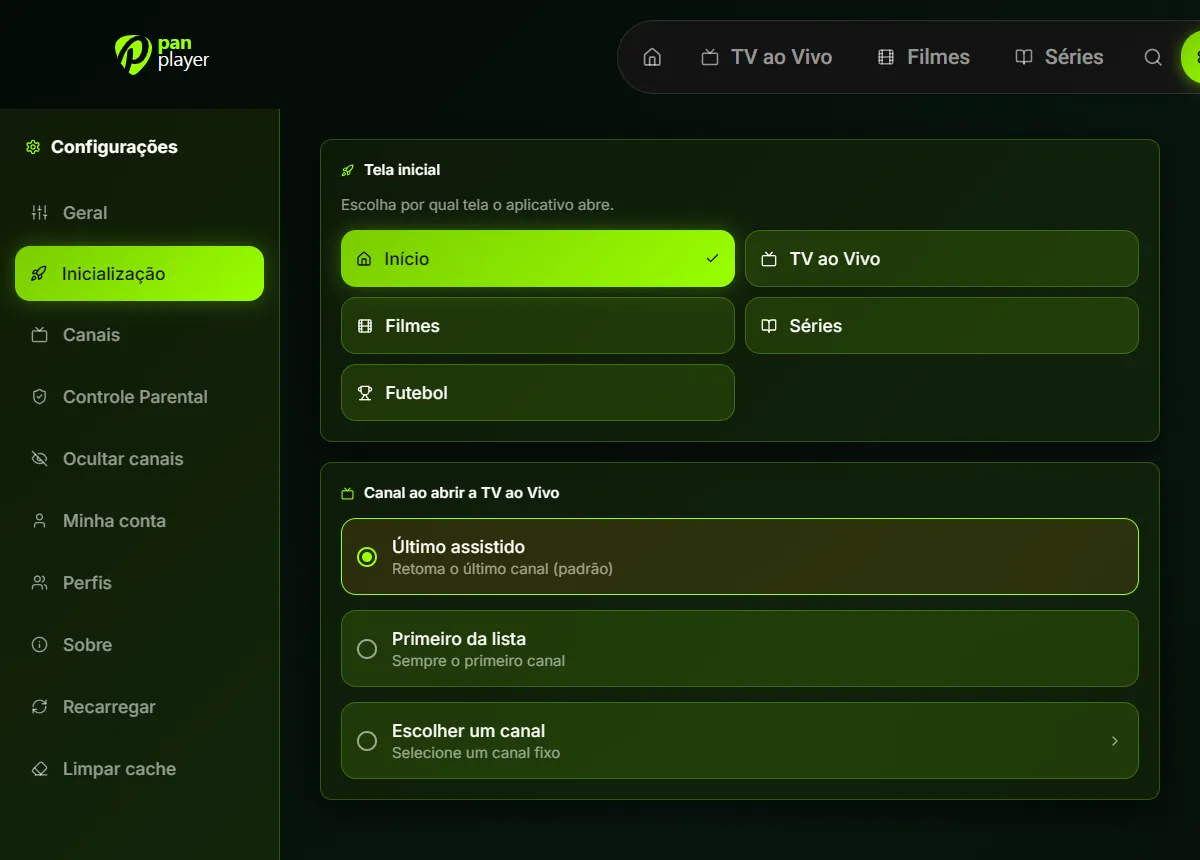
Turn on the TV and you’re already where you want to be. Pick the screen the app opens on and which channel Live TV starts playing.

  • Open on Home, Live TV, Movies, Series or Football
  • Last watched channel, first on the list or a fixed one
Start screen and startup channel settings in Pan Player

Profiles and continue watching

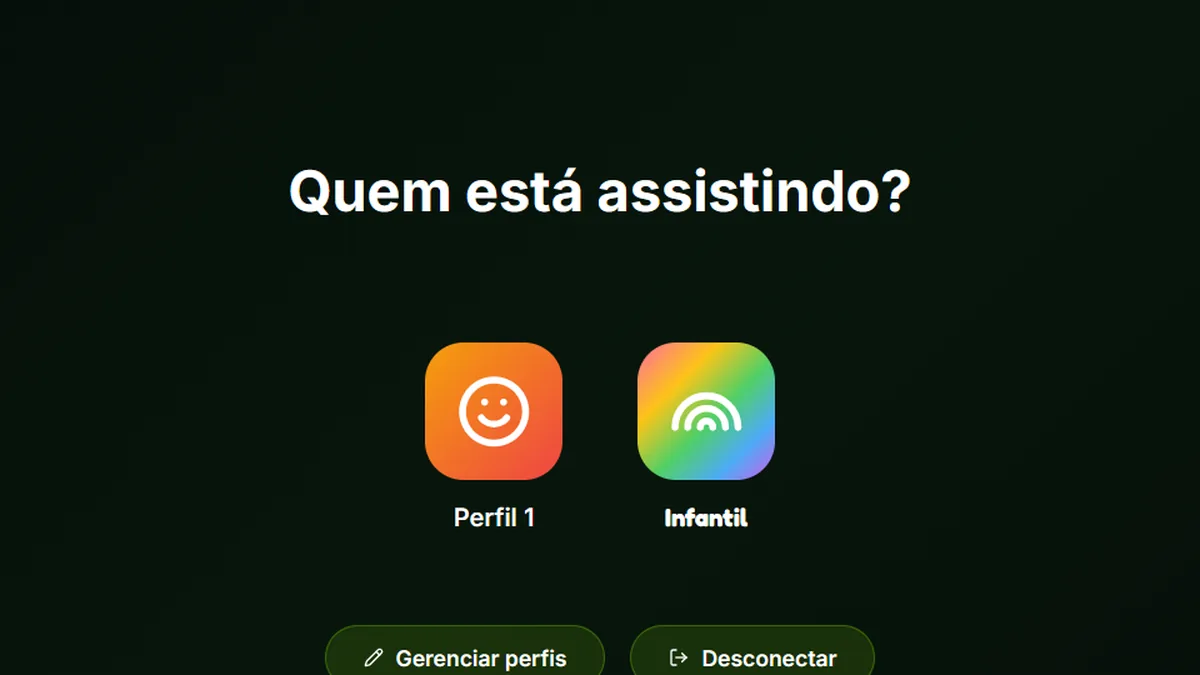
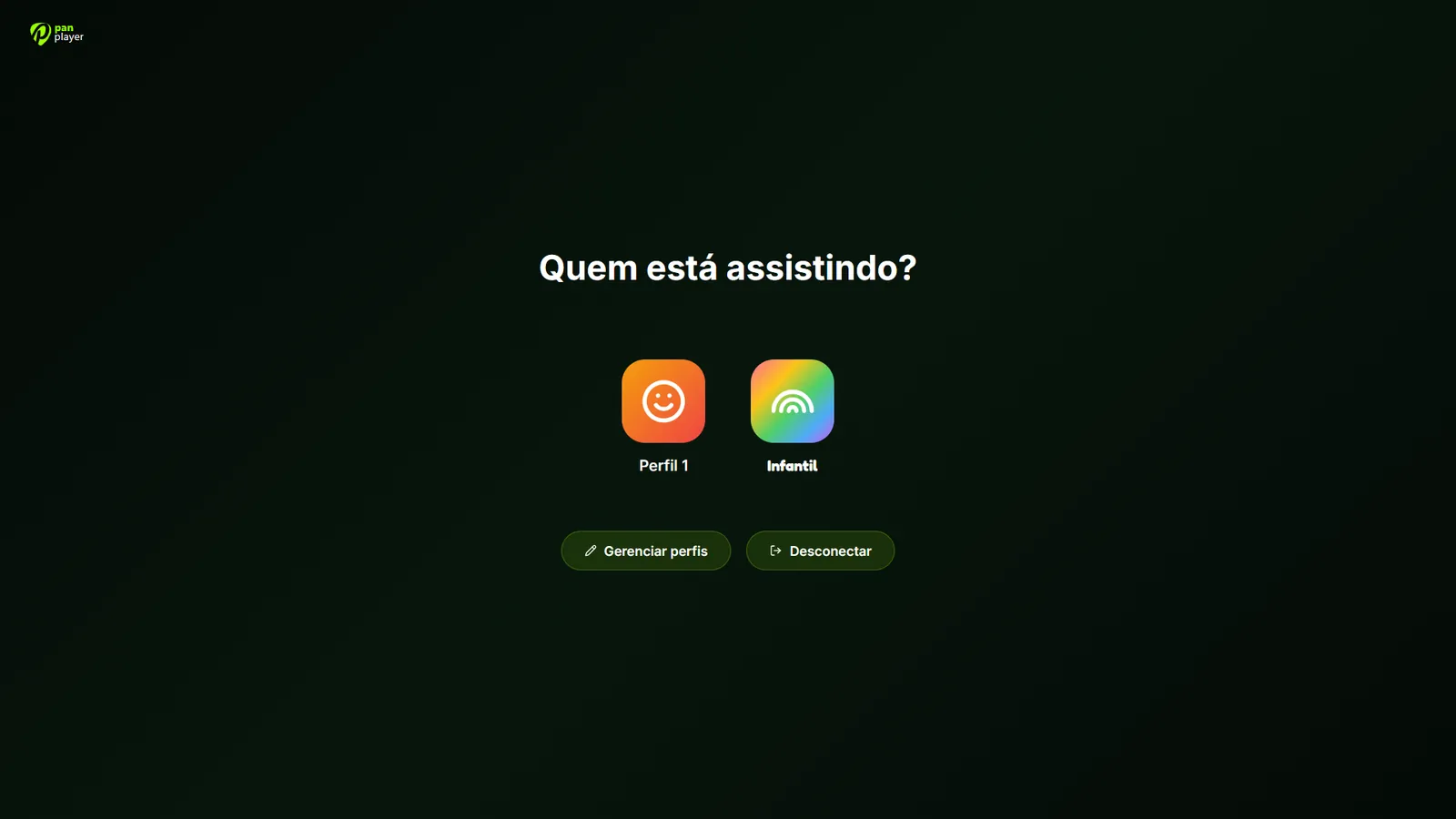
Up to 5 profiles per account, each with its own favorites, history and settings. Start on the living room TV and pick up on your phone.

  • Keep watching the next episodes with just one tap
Pan Player profile picker

And plenty of details that make a difference

See all features

One account, every screen at home

Install it from your device’s app store and sign in with the same username and password. Each profile’s history follows you.

  • Android TV · Google TV Google Play Coming soon
  • Amazon Fire TV Amazon Appstore Coming soon
  • LG Smart TV (webOS) LG Content Store Coming soon
  • Samsung Smart TV (Tizen) Samsung Apps Coming soon
  • Roku Roku Channel Store Coming soon
  • Windows Microsoft Store
  • Android Phone and tablet · Google Play Coming soon
  • iPhone and iPad App Store Coming soon
See devices and how to install
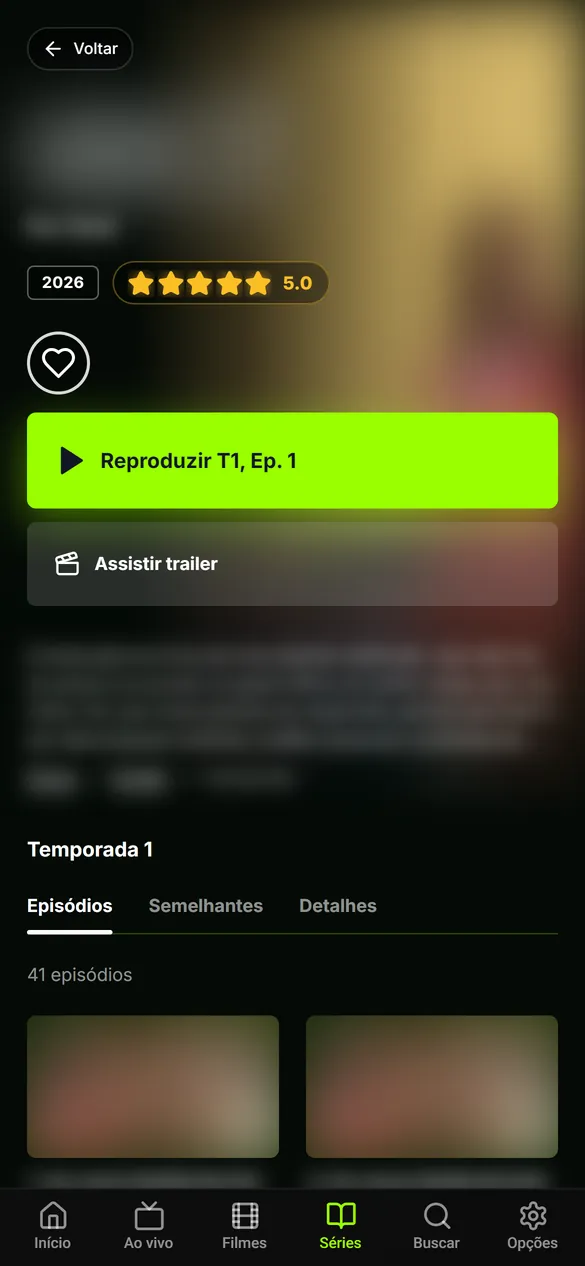
Pan Player on a phone: home screen Pan Player on a phone: series page

Simple pricing. No contract.

Try everything for 7 days. If you like it, stay for $1 a month or $5 a year.

Monthly

$1/month

Renew when you want. No contract.

Get monthly
Best value

Yearly

$5/year

Works out to $0.42 a month: you save 58%.

Get yearly

Included in every plan

  • Every supported device
  • Up to 5 profiles + Kids profile
  • Parental controls and per-profile PIN
  • Hide categories and channels
  • Continue watching on every device
  • Your list loads automatically
  • Updates at no extra cost

Prices in US dollars (USD). Pan Player includes no channels or content: you use your own list.

Frequently asked questions

See all questions
Does Pan Player sell channels or IPTV lists?
No. Pan Player is a player only: it doesn’t sell, provide or store any channel, movie, series or list. You use an IPTV list that is yours or that you’re authorized to use, and the video goes straight from your provider to your device.
Which lists work with Pan Player?
Lists in the Xtream Codes format, the ones that come with a server address (DNS), username and password. Your list provider gives you these details.
How does the 7-day free trial work?
Create your account on the panel, add your list and use the full app for 7 days, free and with no card required. If you want to keep going, pick the monthly or yearly plan.
How much is it after the trial?
$1 per month or $5 per year (US dollars). The yearly plan works out to about $0.42 a month, 58% cheaper. See pricing.
Which devices does Pan Player run on?
Android TV and Google TV, Fire TV, LG (webOS) and Samsung (Tizen) smart TVs, Roku, Windows, Android phones and tablets, iPhone and iPad. See all devices.
How do parental controls work?
A 4-digit password protects adult content and anything you choose to hide. Hide all adult content with one switch, hide whole categories and channels, and use the Kids profile, which opens straight into a kids-only area. Read the parental controls guide.

Guides and news

Visit the blog

Features

Profiles and continue watching on every device

Up to 5 profiles plus Kids, a PIN per profile and synced history: start on the TV, carry on on your phone and pick up a series where you left off.

4 min read

Your list, properly organized. Try it for 7 days.

Create your account in a minute, add your list and sign in on the TV with your username and password. No card to get started.